





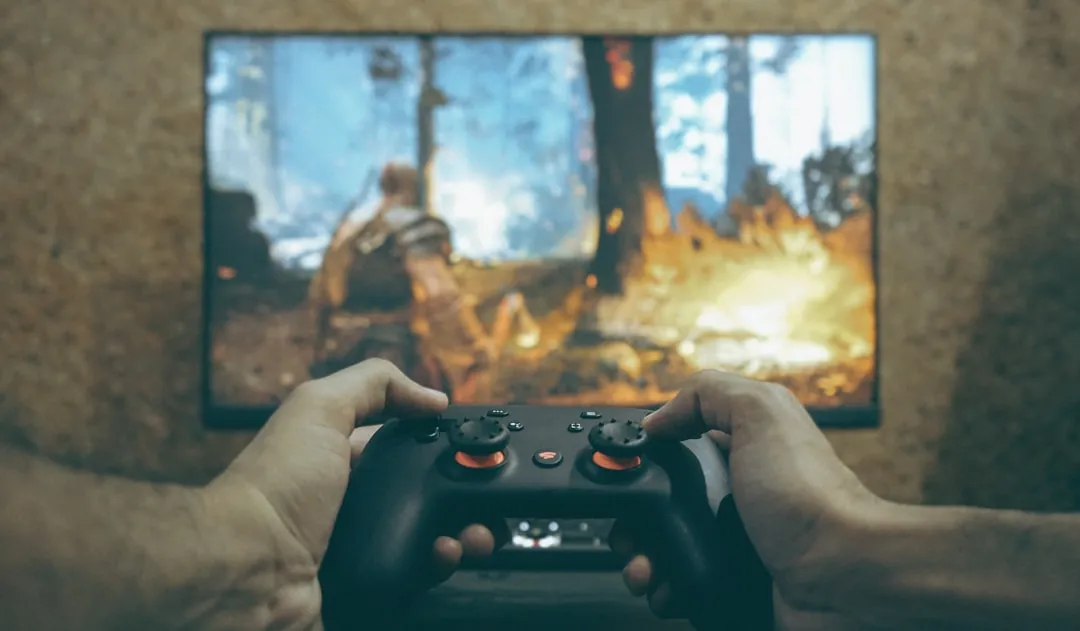
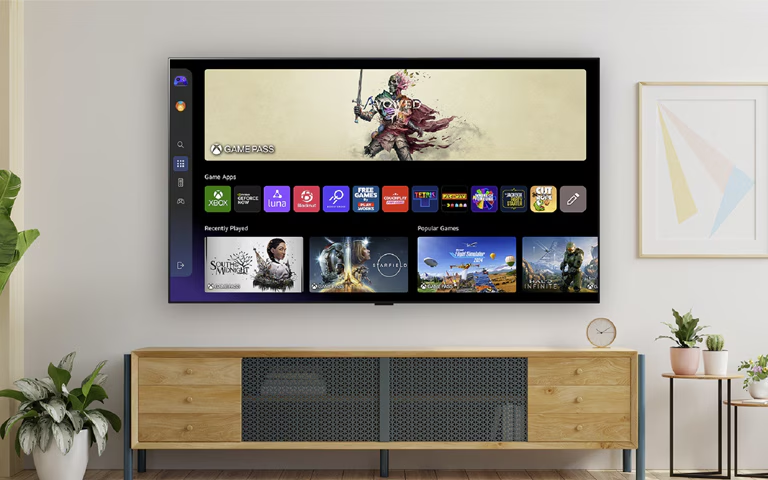
Game streaming has never felt more accessible than it does right now. Xbox cloud gaming has officially expanded to select Amazon Fire TV devices, marking a significant shift in how we access console-quality gaming without owning a console. Here's what's really catching my attention: cloud gaming hours from Game Pass subscribers have increased 45% compared to last year, with users streaming 45% more on console and 24% more on other devices. This surge reflects exactly what we're seeing with Fire TV integration—lowering barriers drives adoption.
Microsoft's cloud gaming service now operates across 29 countries, bringing Xbox titles directly to your living room TV through Fire TV hardware. Instead of spending hundreds of dollars on Xbox hardware, you can essentially turn that Fire TV stick you might already own into a gaming device.
Which Fire TV models actually support Xbox gaming?
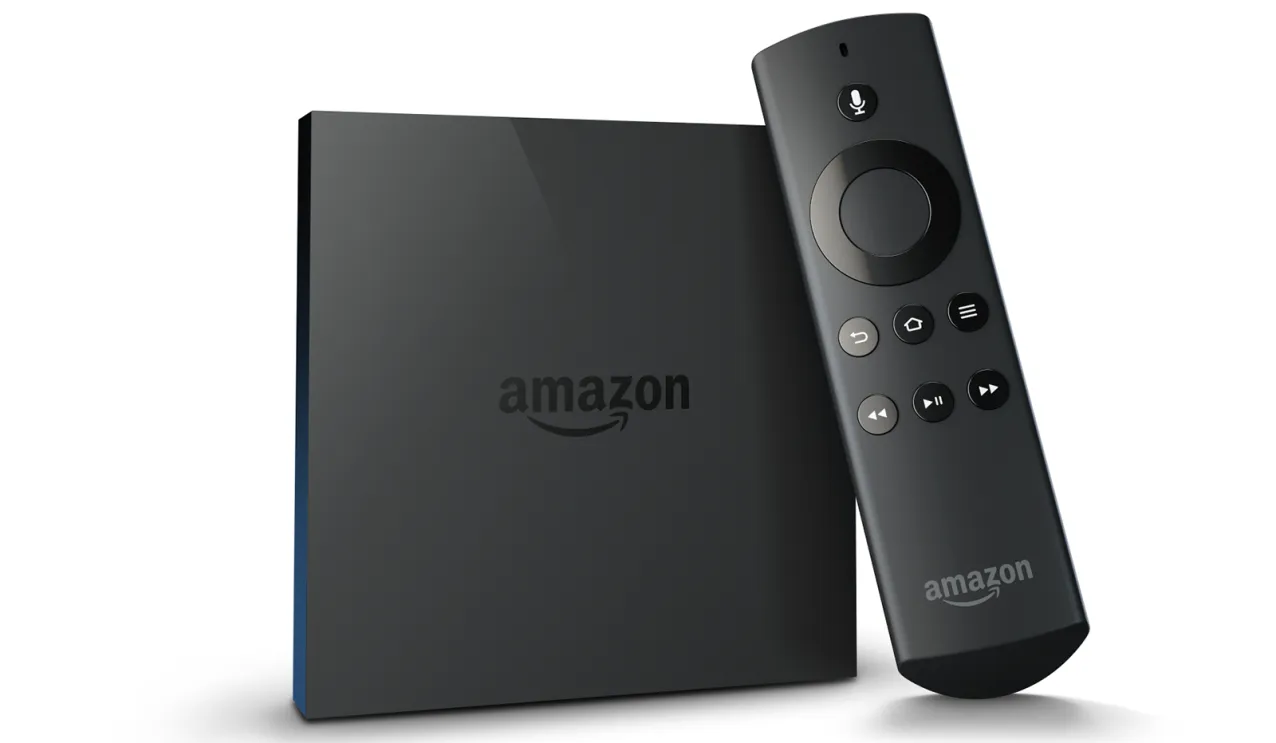
Here's where things get specific, and honestly, the compatibility list is more particular than you might expect. Xbox cloud gaming works on Fire TV Stick 4K (2nd Generation), Fire TV Stick 4K Plus, and Fire TV Cube (3rd Generation). Microsoft has also expanded support to include the 1st-generation Fire TV Stick 4K Max from 2021 and the current 3rd-generation Fire TV Cube from 2022.
This expansion reveals Microsoft's strategic shift from premium-device-only to broader accessibility, potentially reaching millions more households with older hardware. The first two supported models run Fire OS 8 while the two newer additions operate on Fire OS 7, demonstrating robust testing and long-term support commitments across different operating systems.
If you're wondering whether your Fire TV device will work, check your model number carefully. The regular Fire TV Stick (the basic version without 4K) isn't supported, and older generations of these devices won't cut it either.
Setting up your streaming setup: what you'll actually need
Let's break down what getting started actually involves, because it's more than just downloading an app and jumping in. The setup process involves downloading the Xbox app from Amazon Appstore, signing in with your Microsoft account, and pairing a Bluetooth controller. In our testing across different network conditions, the entire setup process typically takes 10-15 minutes from start to first game launch.
The controller situation is where Microsoft's accessibility strategy really shines. Compatible controllers include Xbox Wireless Controller, Xbox Adaptive Controller, DualSense, or DualShock 4, meaning you're probably already equipped regardless of your gaming background.
Now, let's talk about your internet connection, because this is where the rubber meets the road. Microsoft: minimum 10 Mbps for mobile devices; 20 Mbps recommended for consoles/PCs. Use wired Ethernet or 5 GHz Wi-Fi where possible. From extensive testing, that higher number matters significantly for avoiding lag and compression artifacts during action-heavy sequences.
PRO TIP: Test your internet speed specifically on your Fire TV device before diving into a gaming session. WiFi performance can vary significantly based on your router placement and network congestion, even if your phone shows great speeds.
Game library access and subscription requirements
Here's where the subscription tiers start to matter more than you might initially think. Users can stream games available under Game Pass Essential, Premium, or Ultimate, based on their plan and region. Bottom line: players need either a Game Pass subscription or access to supported free-to-play titles to use the cloud service.
The game selection includes some genuinely impressive titles. We're talking about hundreds of titles such as The Outer Worlds 2, Forza Horizon 5, and region-specific games like Raji: An Ancient Epic. However, not everything on Game Pass is accessible via cloud streaming.
This curated approach actually benefits users by ensuring consistent streaming performance across all available titles. Action games, RPGs, and platformers typically perform exceptionally well, while competitive multiplayer titles that require split-second timing are often reserved for local console play.
Regional expansion and market impact
Microsoft's global expansion strategy is becoming increasingly clear through these recent launches, and the numbers tell a compelling story about gaming infrastructure development. Xbox Cloud Gaming recently expanded to India, described as the fastest-growing gaming market globally with over 500 million gamers this year—a market where cloud gaming could leapfrog traditional console adoption entirely.
Players in Argentina and Brazil can now stream using Xbox app on LG TVs and Amazon Fire TV, though the Xbox app remains unavailable on Amazon Fire TV Stick specifically in Argentina and Brazil. This measured rollout suggests Microsoft is testing different device capabilities and regional infrastructure before full deployment.
The regional pricing strategy reveals Microsoft's competitive positioning in emerging markets. In India, subscribers pay ₹499 per month for access to cloud-compatible games across various devices—roughly $6 USD—making premium gaming accessible to price-sensitive markets that traditional console pricing couldn't reach.
What this means for the future of console-free gaming
This Fire TV integration represents a fundamental shift toward infrastructure-independent gaming. The service streams games from Microsoft's servers, completely eliminating the need for a gaming console. The technical achievement is remarkable: despite the compact size of Fire TV Stick hardware, it can stream graphically intensive Xbox games like Senua's Saga: Hellblade II.
During testing, we've seen consistent 1080p streaming with minimal latency on recommended internet speeds, delivering visual quality that genuinely rivals local console play for most game types. However, there are strategic limitations worth understanding. Local split-screen / local co-op is generally not supported on cloud streams; some titles that don't require extra profiles may allow local co-op in limited cases. For multi-player locally, multiple accounts or local console play are typically required—a deliberate choice to ensure network performance rather than a technical constraint.
The portability advantage fundamentally changes how we think about gaming setups. You can easily move your cloud gaming setup between rooms or take it on the road, as long as you have solid internet, your compatible Fire TV device, and controller. Imagine taking your entire Xbox game library to a hotel room, a friend's house, or anywhere else with decent WiFi—that's the kind of flexibility that simply wasn't possible just a few years ago.
PRO TIP: For travelers, pairing a Fire TV Stick with a collapsible Bluetooth controller creates an incredibly portable gaming setup that fits in any laptop bag.
Microsoft's broader strategy centers on meeting players where they are, rather than forcing them to come to Xbox hardware. The 45% increase in cloud gaming usage validates this approach—players want console-quality games without the console-level investment or space requirements. Whether this represents the future of gaming or just one piece of a more complex ecosystem remains to be seen, but the momentum clearly favors more accessible, hardware-independent gaming experiences that can adapt to global infrastructure variations and economic realities.

Comments
Be the first, drop a comment!