





How to stop Roku from tracking what you watch: 3 settings
Turning off Roku's automatic content recognition system took investigators at The Markup 11 to 24 clicks. That click count applies specifically to Roku's ACR setting on Roku TVs, the feature built into Roku's television hardware rather than its streaming sticks (The Markup, 2023). Even after finding it, disabling ACR doesn't answer the bigger question most people actually have: how to stop Roku from tracking what you watch across every app you open. This guide walks through the Roku privacy settings that exist right now, and it's upfront about where they stop working.
Scale is part of why this matters. Nearly half of U.S. households run the Roku platform, according to Michigan's attorney general, who sued the company 15 months ago over how it allegedly handles children's data. What follows covers the settings that limit Roku's tracking of TV-input viewing and its use of your data for ad targeting. It does not cover activity inside streaming apps and channels, which is likely what most people picture when they imagine "everything Roku watches." Treat this as a guide to shrinking Roku's tracking footprint, not eliminating it.
Roku TV or Roku player? Check this first
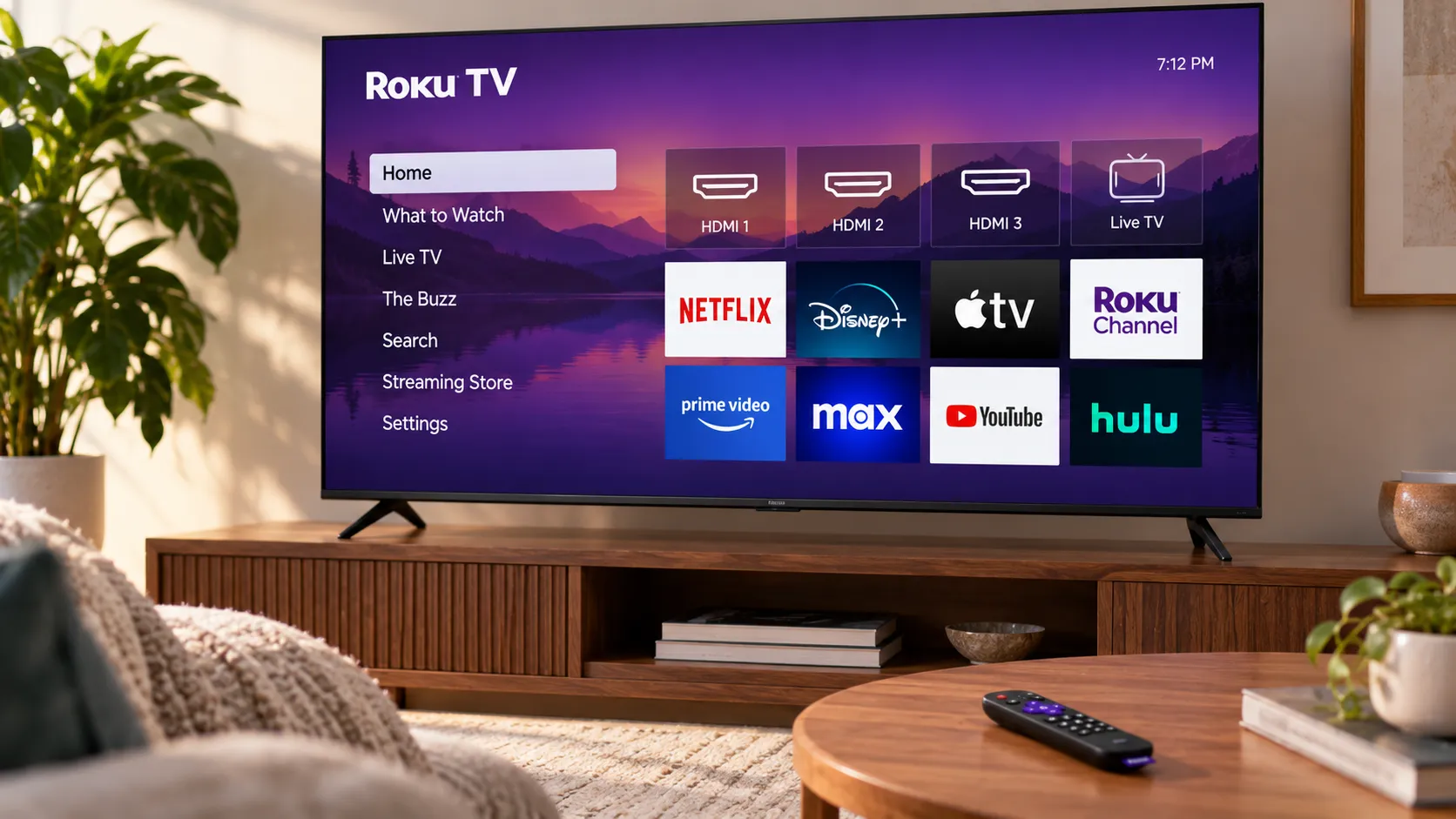
Roku TVs come with a built-in ACR toggle called "Smart TV Experience." Standalone Roku streaming sticks and players don't include this feature at all (The Markup, 2023). If you're using a stick or a standalone player rather than a Roku-branded TV, skip Step 1 below; it won't show up in your settings menu.
Every Roku device includes an Advertising menu under Settings → Privacy, where you can turn off personalized ads and reset your advertising ID (Consumer Reports, nine months ago). Where things get murkier is the data-sharing opt-out. The Markup reported in 2023 that Roku's third-party sharing opt-out lived in an online account rather than the on-device menu. Consumer Reports' walkthrough from nine months ago instead places a "Privacy Choices" option directly under that same on-device Settings → Privacy path. The two sources describe different locations at different points in time, so check both: the on-device menu first, and your account at my.roku.com if Privacy Choices doesn't show up where expected.
How to stop Roku from tracking what you watch: three settings to change
Three controls cover what's documented on a Roku device today: disabling ACR on TVs, turning off ad personalization, and opting out of data sharing and sale. None of them is exactly hidden, but none is labeled in a way that makes its actual effect obvious, either. Here's what each one does and doesn't do.
Step 1: Disable ACR on Roku TVs
Go to Settings → Privacy → Smart TV Experience, then uncheck "Use info from TV inputs" (Consumer Reports, nine months ago). This setting is narrower than its name suggests. It limits tracking of programming that reaches the TV through an antenna, a cable box, or another connected device, not everything the TV displays.
Unchecking it also automatically disables "Enable Auto Notifications," which powers a feature called More Ways to Watch, the tool that lets you restart a live show from the beginning or see what other episodes are available. Losing that feature is a side effect of turning ACR off, not a separate problem to troubleshoot.
The catch, and it's the one that matters most for this whole guide, is that this setting says nothing about apps. Consumer Reports notes Roku "may still collect and share" data about the apps and streaming services running on the device, even with ACR fully disabled. Keep that distinction, TV input versus in-app activity, in mind for the next two steps as well.
Step 2: Turn off personalized ads and reset the advertising ID
Go to Settings → Privacy → Advertising, uncheck "Personalized ads," and confirm "Don't personalize my ads" when the pop-up appears (The Markup, 2023). In the same menu, reset the advertising ID, which swaps the identifier tied to your device for a new one (Consumer Reports, nine months ago).
Don't expect fewer ads to show up. The same number of ads will still appear on your home screen; they simply won't be based on your viewing data. This is how you opt out of Roku ad tracking specifically, not how you reduce ad volume, and it has no bearing on data collected for reasons other than ad targeting.
Step 3: Opt out of data sharing and sale
Under Privacy Choices, opt out of having your data shared or sold, and limit the use of sensitive information (Consumer Reports, nine months ago). This setting governs what Roku does with certain categories of your data once collected, specifically sharing it, selling it, or using sensitive information, rather than building a wall around collection itself.
What these Roku privacy settings limit, and what they don't
| Setting | Available on | What it limits | What it doesn't limit |
|---|---|---|---|
| "Use info from TV inputs" (ACR) | Roku TVs only | Tracking of programs from antenna, cable box, or other connected devices (Consumer Reports, nine months ago) | Data from apps and streaming services on the device, which Roku "may still collect and share" (Consumer Reports, nine months ago) |
| Personalized ads | Roku devices generally, on-device menu | Whether ads are targeted using your data (The Markup, 2023) | How many ads you see, and collection used for reasons other than ad targeting |
| Privacy Choices | On-device menu; The Markup's 2023 reporting placed this control in an online account instead (The Markup, 2023) | Sale or sharing of data with third parties, and use of sensitive information (Consumer Reports, nine months ago) | Other collection or uses not covered by the stated sharing, sale, and sensitive-information choices |
The cited documentation does not identify a control that limits Roku's collection from apps and channels, even after all three settings above are switched off.
That gap isn't unique to Roku, and there's at least one sign that similar opt-outs elsewhere hold up under scrutiny. Researchers testing ACR opt-outs on LG and Samsung TVs found that switching the setting off stopped all network traffic to ACR-related tracking domains (arXiv, 2024). Roku wasn't part of that study, so treat it as context for how these opt-outs can work in principle, not proof of what Roku's own systems do.
Why Roku's tracking practices are under scrutiny
Roku's data practices have drawn more than customer complaints. Michigan's attorney general alleges, in a suit filed 15 months ago, that Roku collected children's location data, voice recordings, IP addresses, and persistent identifiers without the notice or parental consent required under COPPA, and that Roku, unlike some competitors, doesn't offer dedicated children's profiles. Florida brought a related case ten months ago, which Roku settled six weeks ago by agreeing to invest roughly $25 million in child-protection features and give parents greater control, without admitting wrongdoing or paying civil penalties (Bloomberg Law). Roku said it planned to carry out the changes "promptly and effectively" (Bloomberg Law, 6 weeks ago).
These are allegations and a settlement focused specifically on children's data, not a change to the settings above. But they're a reminder that Step 3 is the closest thing to a legal opt-out Roku currently offers.
What comes next
The three settings above meaningfully shrink what Roku can tie to your TV-input viewing and how it uses that data for advertising. What they don't touch is app and channel activity, likely the biggest slice of "everything you watch" for most streaming households, and no control currently documented changes that.
Roku's Florida settlement commits the company to new parental controls and child-protection features, though the rollout's scope and timing haven't been detailed yet (Bloomberg Law, 6 weeks ago). Worth treating these three settings as a five-minute check to repeat after major Roku software updates or a device reset, since either one can quietly restore the defaults.










Comments
Be the first, drop a comment!