



Streaming deals come and go, but every once in a while one lands that's worth a closer look—especially when it ties directly into two of the year's biggest live events. Apple TV users now have access to a limited-time Peacock offer at just $2 per month, arriving just ahead of the Super Bowl and 2026 Winter Olympics (Milano Cortina, Feb 6–22, 2026). For cord-cutters and streaming enthusiasts weighing their subscription lineup, this deal raises some important questions: Who qualifies? How does it stack up against Peacock's standard pricing? And what does it mean for the broader streaming landscape as platforms jostle for attention during marquee live events?
Let's break it down: what this offer actually delivers, how to claim it, and whether it's a smart move for your streaming budget.
Who qualifies and how to claim your $2/month Peacock access
Not every Apple TV user will automatically see this deal pop up, so understanding eligibility is the first step. The offer typically targets specific user segments—often new Peacock subscribers or those who haven't been active on the platform recently. Apple has a history of bundling promotional pricing through its ecosystem—like the Apple Music and Apple TV+ bundles that converted millions of hardware buyers into subscribers—and this Peacock deal follows a similar playbook by leveraging the seamless billing integration that makes impulse subscriptions nearly frictionless. Access is tied to your Apple ID and redeemed directly through the Apple TV app or tvOS interface.
To claim the offer, navigate to the Peacock app on your Apple TV device, where a promotional banner or in-app message should guide you through the sign-up flow. If you're already a Peacock subscriber through another channel—like a direct Peacock account or a different third-party billing arrangement—you may need to cancel that subscription first to become eligible for the Apple-billed promotional rate. Apple's subscription management, accessible via Settings on your Apple TV or through your Apple ID account on iPhone, iPad, or Mac, makes it straightforward to view, modify, or cancel the offer before any billing changes kick in.
PRO TIP: Set a calendar reminder for one week before the promotional period ends—this gives you time to decide whether to cancel without risking an automatic renewal.
One key detail: promotional rates like this are often time-limited, meaning the $2/month price may only apply for a set introductory period (time-limited — check the offer terms; duration varies by promotion), after which the subscription reverts to standard Peacock pricing unless you cancel. Always double-check the terms presented during sign-up to avoid surprise charges down the line.
How this stacks up against Peacock's standard tiers
Peacock's regular pricing structure includes multiple tiers, each with different trade-offs around ads, content access, and streaming quality. The platform's ad-supported tier typically runs around $6/month, while the Premium Plus plan (which removes most ads and unlocks additional features like offline downloads) sits closer to $12/month. Against that backdrop, a $2/month entry point—even if temporary—represents a significant discount, effectively cutting the cost of the base tier by two-thirds. At this promotional rate, you're paying less than a single coffee for access to content that would cost $72 annually at standard rates.
But what are you actually getting for that $2? Most promotional offers of this nature grant access to Peacock's ad-supported Premium tier, meaning you'll still see commercials during most content, but you'll have the full Premium library at your fingertips—including live sports, next-day access to current NBC shows, Peacock Originals, and a deep catalog of movies and series. If ad-free viewing is a priority, you'd need to upgrade to Premium Plus, which would likely revert to standard pricing even if you're on the promotional $2 plan for the base tier.
For users primarily interested in catching the Super Bowl or Olympics coverage, the ad-supported tier is more than sufficient. Peacock has leaned heavily into live sports and event programming as a differentiator, and major broadcasts like these are available on the Premium tier without requiring the pricier ad-free upgrade.
Here's the bottom line: if you're a casual Peacock user or someone who only tunes in for big events, this deal offers a low-risk, low-cost way to access premium content without committing to a full-price subscription year-round—and you're getting significantly better value per dollar than virtually any standard streaming tier on the market right now.
Managing your subscription: adding, pausing, and canceling through Apple
One of the advantages of subscribing to Peacock via Apple TV is the seamless integration with Apple's subscription management tools. All your Apple-billed subscriptions—whether for streaming services, apps, or cloud storage—live under one roof in your Apple ID settings. This means you can add, pause, or cancel Peacock without ever leaving the Apple ecosystem or juggling separate login credentials on Peacock's own website. And unlike traditional cable's notorious retention departments, Apple's one-tap cancellation means you won't face pressure tactics or "special offers" designed to keep you subscribed.
To manage your Peacock subscription, head to Settings on your Apple TV, select Users and Accounts, then Subscriptions. From there, you'll see a list of all active and expired subscriptions tied to your Apple ID. Selecting Peacock will show you the current billing cycle, renewal date, and options to cancel or modify your plan. If you subscribed on your iPhone or iPad, the process is nearly identical: open Settings, tap your name at the top, select Subscriptions, and manage Peacock from the list.
Canceling before the promotional period ends ensures you won't be charged the higher standard rate, and Apple makes it easy to set a reminder or cancel immediately while still retaining access through the end of your paid period. This flexibility is a major plus for deal-hunters who want to maximize value from limited-time offers without getting locked into long-term commitments.
It's also worth evaluating whether Peacock's broader content library—beyond just the Super Bowl and Olympics—justifies keeping the subscription active at even the discounted $2/month rate. If you cancel and later decide to re-subscribe, you'll likely be subject to Peacock's standard pricing unless another promotional offer is available, so consider your viewing habits before making the final call.
Streaming quality and device support: what to expect on Apple TV hardware
Peacock's performance on Apple TV hardware is generally solid, but there are a few technical details worth understanding—particularly if you're watching on a 4K-capable Apple TV 4K model and expect the highest possible picture and sound quality. Peacock does support 4K streaming and HDR (High Dynamic Range) on select content, but not across the entire library. Major live events like the Olympics and premium sports broadcasts are often available in 4K HDR, provided you have the necessary hardware and a fast enough internet connection (typically 25 Mbps or higher for sustained 4K streams).
PRO TIP: If you're watching the Super Bowl or Olympics in 4K, close other apps and pause downloads to ensure maximum bandwidth for streaming.
However, even on the Premium tier, not all content will stream in 4K. Many on-demand shows and movies max out at 1080p HD, and the presence of ads in the base Premium tier can sometimes interrupt the viewing experience in ways that feel more jarring on a large 4K display. If pristine, uninterrupted 4K viewing is a priority, you may find the Premium Plus tier more appealing despite the higher cost—though for live sports and event coverage, the difference is often negligible.
Apple TV's interface handles Peacock well, with smooth navigation, quick app launches, and support for features like Siri voice search and AirPlay. You can ask Siri to "Open Peacock" or even search for specific shows and movies across apps, which can surface Peacock content if it's available. The integration isn't as deep as Apple's own TV+ service—where content appears directly in the TV app's "Up Next" queue and Siri can resume playback mid-episode—but it's more than adequate for daily use, with full support for universal search and voice commands.
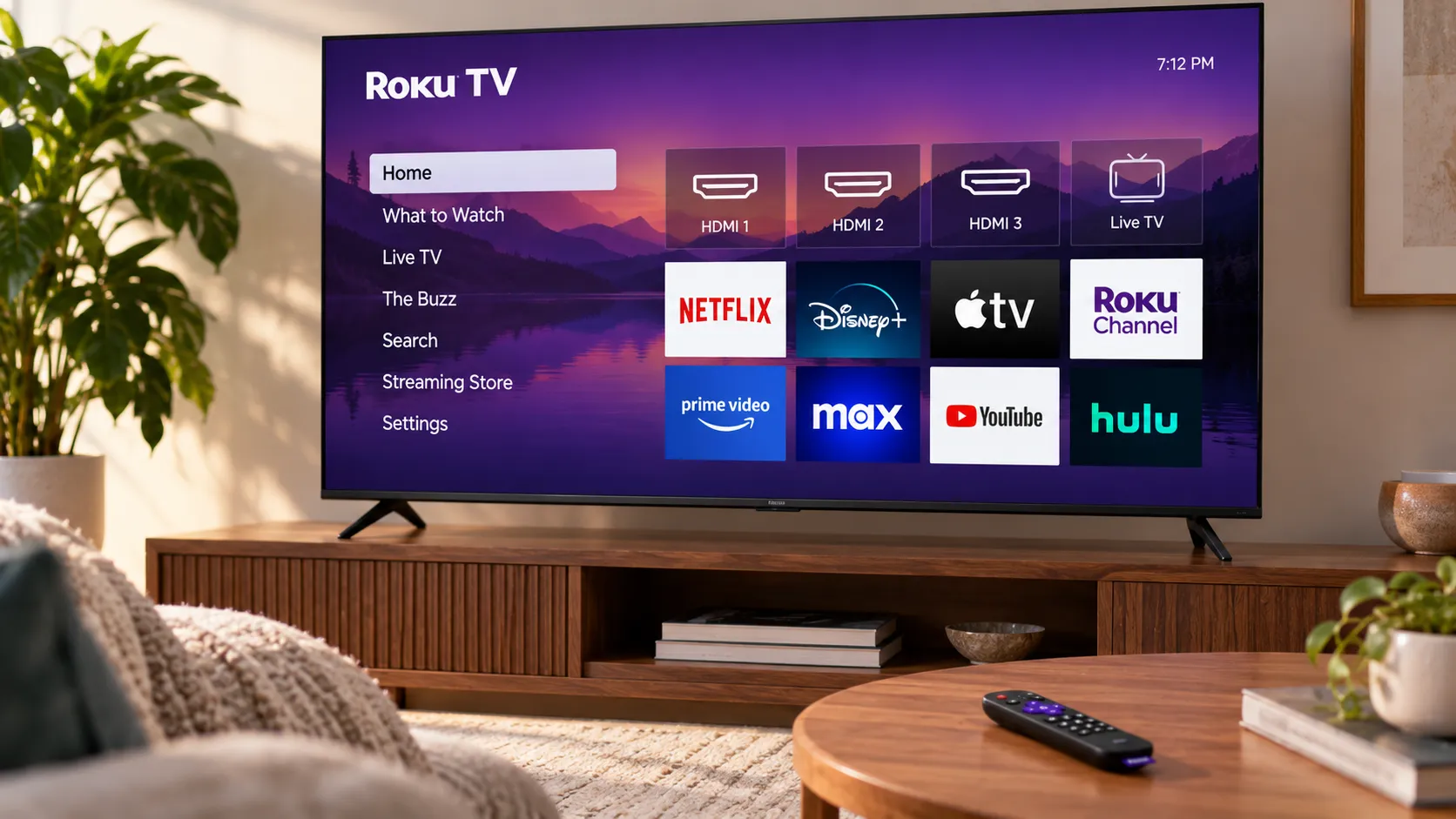
One minor caveat: some users have reported occasional buffering or app stability issues with Peacock on Apple TV, particularly during high-traffic live events. These hiccups are not unique to Apple's platform—Peacock has faced similar challenges on Roku, Fire TV, and smart TVs during major broadcasts—but it's something to keep in mind if you're planning to rely on the service for time-sensitive viewing like the Super Bowl.
The bigger picture: what this deal signals for streaming competition and cord-cutting
Promotional pricing like this $2/month Peacock offer isn't just about attracting individual subscribers—it's a strategic move in the broader battle for streaming dominance, particularly around live sports and event programming. As traditional cable subscriptions continue to decline, streaming platforms are fighting for attention and market share by undercutting each other on price, especially during high-profile moments when viewership spikes.
Peacock's parent company, NBCUniversal, has a vested interest in driving adoption ahead of the Super Bowl and Olympics, both of which are exclusive to NBC's family of networks and streaming properties. By partnering with Apple to offer a steep discount, Peacock can pull in users who might otherwise skip the service entirely or rely on antenna-based broadcasts and free trials. Once those users are in the ecosystem—even at a heavily discounted rate—there's a chance they'll stick around, upgrade to ad-free tiers, or simply forget to cancel before the promotional period ends. Think of it as the streaming equivalent of a loss leader—Peacock is betting you'll forget to cancel (spoiler: many people do).
For cord-cutters, deals like this underscore a key advantage of the streaming model: flexibility. But this flexibility is itself a response to the competitive pressures described above—as platforms fight for market share, consumers gain unprecedented control. You can subscribe to Peacock for a couple of months to catch the Super Bowl and Olympics, then cancel without penalty or long-term contracts. Compare that to traditional cable, where accessing NBC Sports or premium event coverage often required expensive channel bundles and year-long commitments. The ability to pay $2/month for a few months of targeted content, then walk away, is a powerful shift in how we consume media.
At the same time, the proliferation of streaming services—each with its own pricing tiers, promotional offers, and content exclusives—can create "subscription fatigue." Even at $2/month, adding Peacock to a lineup that already includes Netflix, Disney+, Hulu, Max, and others can feel like yet another line item on your monthly budget. This paradox of choice is the hidden cost of streaming's flexibility: the same competitive dynamics that create deals like this also fragment content across multiple platforms. The key is to treat these deals as short-term opportunities rather than permanent fixtures, rotating services in and out based on what you're actually watching.
What you need to know before you subscribe
Here's the bottom line: the $2/month Peacock deal for Apple TV users is a solid opportunity if you're interested in live sports, major events, or exploring Peacock's content library without a significant financial commitment. The promotional rate makes it one of the cheapest ways to access premium streaming content right now, especially with the Super Bowl and Olympics on the horizon.
That said, keep these points in mind before you subscribe:
Check your eligibility carefully—not all users will see the offer, and existing subscribers may need to cancel and re-subscribe through Apple to qualify.
Understand the promotional terms—the $2/month rate is typically temporary (often three to six months), so know when it expires and set a reminder to cancel if you don't want to pay full price afterward.
Manage through Apple ID—take advantage of Apple's streamlined subscription tools to stay on top of billing and avoid unwanted charges.
Expect ads on the base tier—the $2/month rate applies to Peacock's ad-supported Premium plan, so if commercials are a dealbreaker, factor in the cost of upgrading to Premium Plus.
Plan for live events—if your primary goal is watching the Super Bowl or Olympics, this deal delivers exactly what you need at a fraction of the usual cost.
PRO TIP: Before subscribing, evaluate whether you'll use Peacock beyond these two events. At $2/month, the value threshold is low—but if you're truly only interested in the Super Bowl and Olympics, mark your calendar to cancel afterward and avoid paying for months you won't use.
In a streaming landscape where prices seem to climb every quarter, a $2/month entry point is a rare win for consumers. Whether you're a die-hard sports fan, a casual viewer looking to save on event coverage, or just someone curious about what Peacock has to offer, this deal is worth exploring—just remember to manage your subscription actively and cancel before the promotional period ends if you're not planning to stick around for the long haul.










Comments
Be the first, drop a comment!