





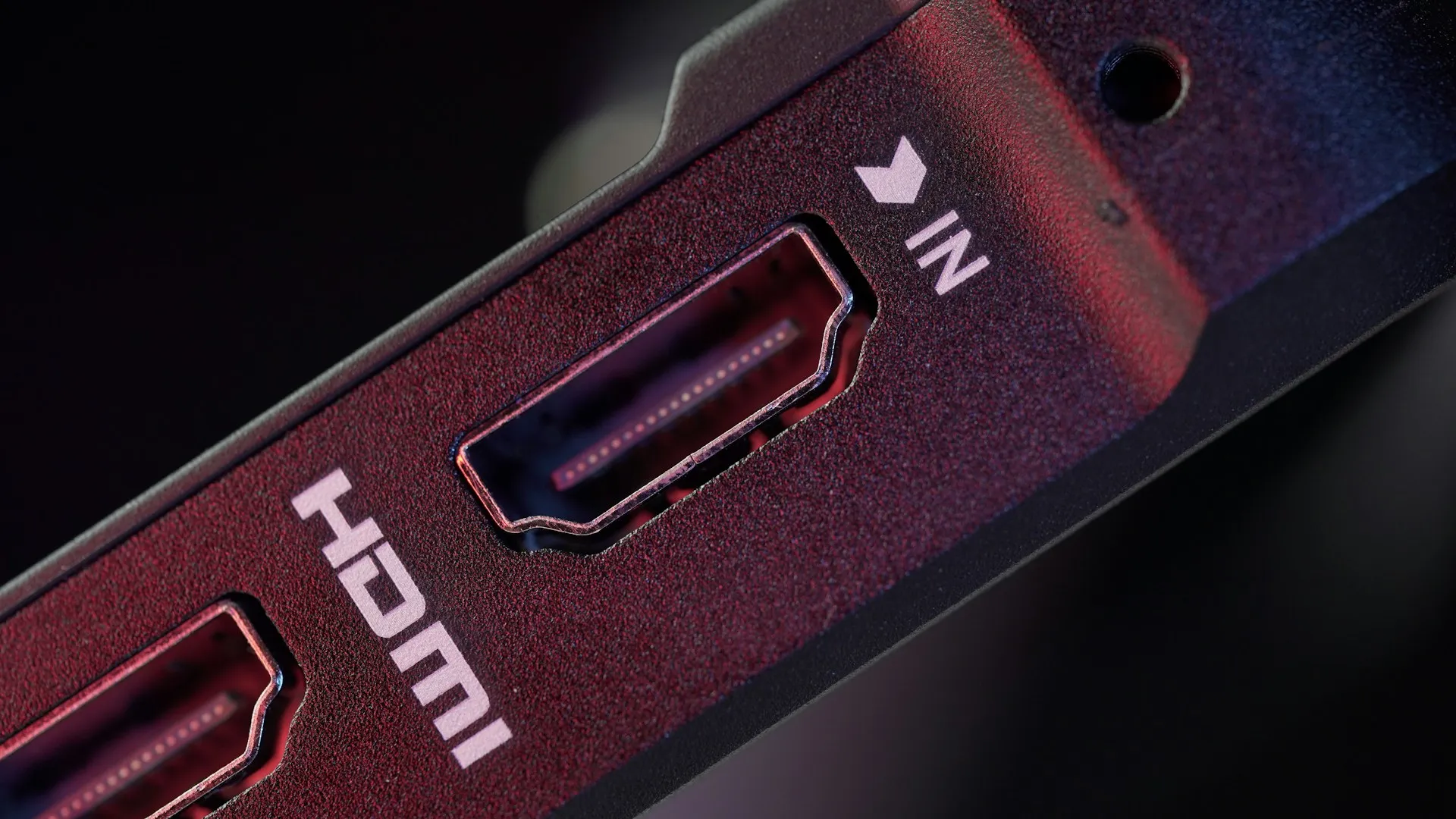
Major consumer streaming services currently top out at 4K video, and 4K/60Hz is within HDMI 2.0's bandwidth ceiling. The bottleneck in your setup is the service, not the cable.
That conclusion has two real exceptions: gaming and certain audio configurations. Both are worth understanding, because HDMI 2.1 is now stamped on TVs, soundbars, and cables as though it's a universal upgrade, and the label is a worse guide to actual performance than most buyers realize.
This piece covers streaming video and the household decisions around it. Gaming and physical media enter only where they're directly relevant, particularly for audio.
What HDMI 2.0 and 2.1 actually do
HDMI (High-Definition Multimedia Interface) is the cable that carries audio and video from a source device to a display. The version number describes the bandwidth ceiling how much data the connection can move per second.
HDMI 2.0 arrived in 2013 with a maximum bandwidth of 18 Gbps. HDMI 2.1 followed in 2017, raising that ceiling to 48 Gbps. In practical terms: 2.0 handles 4K at up to 60 frames per second; 2.1 handles 4K at up to 120 frames per second. Those higher frame rates matter in gaming. Streaming services don't offer them, so for video content that distinction is currently academic.
More bandwidth doesn't mean sharper or more colorful images. HDMI 2.1 doesn't inherently improve picture quality; it allows higher frame rates and enables certain advanced features when both the source and display support them.
What you see on screen is determined by the TV's panel, processing, and calibration. Think of bandwidth as lane capacity on a highway: HDMI 2.0 has enough lanes to carry all of today's streaming traffic without congestion. HDMI 2.1 opens additional lanes useful if the volume of traffic grows, irrelevant if it doesn't.
One principle to lock in before getting practical: a setup performs at the level of its least capable component. A 2.1 cable plugged into a 2.0 TV port runs at 2.0 speeds. A 2.1 TV fed by a 2.0 streaming stick runs at 2.0 speeds. Upgrading one link in the chain without upgrading the rest delivers nothing.
Is HDMI 2.0 enough for 4K streaming?
Yes. Completely.
Streaming platforms set their own quality ceilings independently of what cables can carry. Right now, every major service tops out at 4K/60Hz, and that's the exact ceiling HDMI 2.0 was built for. There's no unused headroom that a 2.1 upgrade would unlock for video content.
Physical media tells the same story. A 4K Blu-ray stays well within HDMI 2.0's 18 Gbps limit, and HDMI 2.1 adds no visible improvement to the image. If you're watching movies, you're already covered.
Streaming services could eventually push toward higher frame rates for live sports, cloud gaming tiers, or premium video. That shift hasn't arrived at the consumer level yet. Paying for it now means buying a benefit that may be years away, if it comes at all.
Where HDMI 2.1 actually earns its place
Gaming. This is where the upgrade is concrete and measurable. Without a full HDMI 2.1 chain, a PlayStation 5 or Xbox Series X is capped at 4K/60Hz, even when a game supports higher frame rates. Getting 4K/120Hz requires 2.1 ports on both the console and the TV.
HDMI 2.1 also enables Variable Refresh Rate (VRR), which synchronizes the TV's refresh cycle to the console's frame output to eliminate screen tearing, and Auto Low Latency Mode (ALLM), which automatically switches the TV into its lowest-lag game mode when gameplay begins.
Enabling these features doesn't guarantee them, though. A well-tuned HDMI 2.0 display can outperform a poorly implemented 2.1 one. The spec is infrastructure, not a finished result.
Audio. The single HDMI 2.1 feature with genuine relevance for non-gaming streamers is eARC, the Enhanced Audio Return Channel. Standard ARC, available on HDMI 2.0, handles compressed audio formats. eARC can pass higher-bandwidth formats, including Dolby TrueHD-based Atmos and DTS:X, that standard ARC may not handle reliably.
If your soundbar plugs directly into the TV and you're satisfied with the audio, this doesn't apply to you. If you're routing through an AV receiver and care about lossless audio formats, eARC is worth verifying on both the TV and the receiver specifically. Don't assume the "2.1" label on either device covers it.
The HDMI 2.1 label is a poor buying guide
The "HDMI 2.1" label on a device is not a performance guarantee. Under the compliance framework that Audioholics documented in 2022, a device can carry the label by supporting as few as one feature from a specification bundle spanning over a dozen distinct capabilities, and the HDMI Licensing Administrator now classifies even older features as qualifying for that count. The badge tells you almost nothing specific about what the device can do.
Manufacturers are encouraged but not required to disclose which 2.1 features a device supports. When they don't, buyers are left parsing spec sheets or discovering limitations after purchase.
Port variability makes this concrete. Some TVs labeled "HDMI 2.1" include only one port that delivers full bandwidth; secondary ports may run at reduced speeds or lack features like VRR entirely. Plug your console into the wrong port on an otherwise capable TV, and you get 2.0 results.
Real-world failures have been well documented. Early HDMI 2.1 AV receivers from Denon, Marantz, and Yamaha couldn't pass 4K/120Hz signals from the Xbox Series X at launch. The culprit was a faulty chipset supplied by Panasonic Solutions; firmware couldn't fully fix it, and Sound United ultimately shipped a separate hardware adapter as the workaround. Not a software patch. A separate box.
Cables carry a similar risk. "Ultra High Speed HDMI" certification tests for the full 48 Gbps performance HDMI 2.1 require, but only around 41% of submitted cable samples passed that certification, according to the 2023 HDMI LA Annual Report. That figure covers submitted samples, not the full retail market, but it's consistent with the pattern Audioholics documented in real-world device failures.
Cable length is rarely mentioned and matters more than most buyers expect. Certified Ultra High Speed cables can become unreliable beyond roughly 2 to 2.5 meters; at longer runs, signal integrity may degrade to the point where the connection falls back to a lower bandwidth mode. Most living-room setups won't hit that threshold. Long cable runs will.
Don't buy on the label. Check the spec sheet for the specific features you need: 4K/120Hz, VRR, eARC, or some combination, and verify which port on the TV actually supports them.
A simple decision framework
What you need depends on how your setup works, not on what version number is printed on the box.
Streamer only (TV apps, streaming stick, no soundbar): HDMI 2.0 is sufficient. No upgrade needed, and a new cable won't change what you see on screen.
Streamer with a soundbar or AV receiver: Check whether eARC is supported on both devices. That's the only HDMI 2.1 feature that applies to your setup.
Gamer with a PS5 or Xbox Series X: HDMI 2.1 is worth it for 4K/120Hz and VRR. Verify the TV port, and confirm the cable is certified Ultra High Speed and under 2.5 meters.
Gamer running through an AV receiver: Confirm 4K/120Hz passthrough on the receiver specifically, that's where the documented failures occurred. Check the receiver's spec sheet, not just its label.
One note on where the standard is heading: HDMI 2.2 was finalized in June 2025, with a bandwidth ceiling of 96 Gbps and theoretical support for 4K at up to 240Hz, but the hardware ecosystem to use it doesn't exist yet, and Engadget estimates meaningful adoption is at least a year or two out. Buying 2.2 cables now makes no practical sense.
The label describes what's possible under ideal conditions. Your streaming service, your specific TV ports, and the features listed in the spec sheet determine what actually happens in your living room. If you only stream, stop at 2.0. If you game or route audio through a receiver or soundbar, check for the exact feature you need and verify it's there before spending anything.

Comments
Be the first, drop a comment!