





The new Fire TV interface is now available worldwide on all current-generation Amazon Fire TV Stick devices and Amazon Ember smart TVs, and Amazon says all current-generation Fire TV Sticks, the Fire TV Cube, and Ember smart TVs purchased globally now ship with the redesigned UI. That's the broadest distribution since the update quietly began on a handful of premium devices four months ago.
This is only the third time Amazon has redesigned the Fire TV interface across its 12-year history, and the first since 2020. With over 300 million Fire TV devices sold globally, the change touches a lot of living rooms.
The redesign goes beyond a layout refresh. Amazon is converting Fire TV from a platform where your first decision is which app to open into one where content recommendations greet you before any app does, according to Amazon's announcement and third-party coverage. What follows covers what's actually changed on screen, what Amazon is claiming about performance and Alexa+, and where the tradeoffs are real.
What's live now in Amazon's Fire TV redesign, and what's still coming
The current wave covers current-generation Fire TV Sticks, Fire TV Cube devices, and Amazon's Ember smart TV lineup. The Ember Artline launched with the new interface pre-installed, positioned as the redesign's showcase device, complete with far-field Alexa+ microphones and an ambient art display mode, per Amazon's announcement when the redesign was unveiled.
The February first wave was more selective: the Fire TV Stick 4K Plus, Fire TV Stick 4K Max (2nd Gen), and Fire TV Omni Mini-LED Series in the U.S., TechCrunch reported at launch. Amazon had planned a broader expansion beyond the February launch group, and its June update says the new UI has launched on Hisense TVs with Fire TV built in and is scheduled to reach more devices later this summer. Current sources do not confirm full availability across every previously named partner brand.
One practical note: the update arrives as a launcher app change, not an OS upgrade. There's no large download prompt to watch for. Amazon typically stages these rollouts gradually, so eligible devices may not show the Fire TV Stick's new interface for several more weeks. One question the available sources don't resolve: whether partner-brand TVs from Hisense, TCL, and others receive the full Alexa+ feature set or a reduced version, a distinction that matters for how well the discovery model actually works on those devices.
What the Fire TV home screen redesign looks like on supported devices
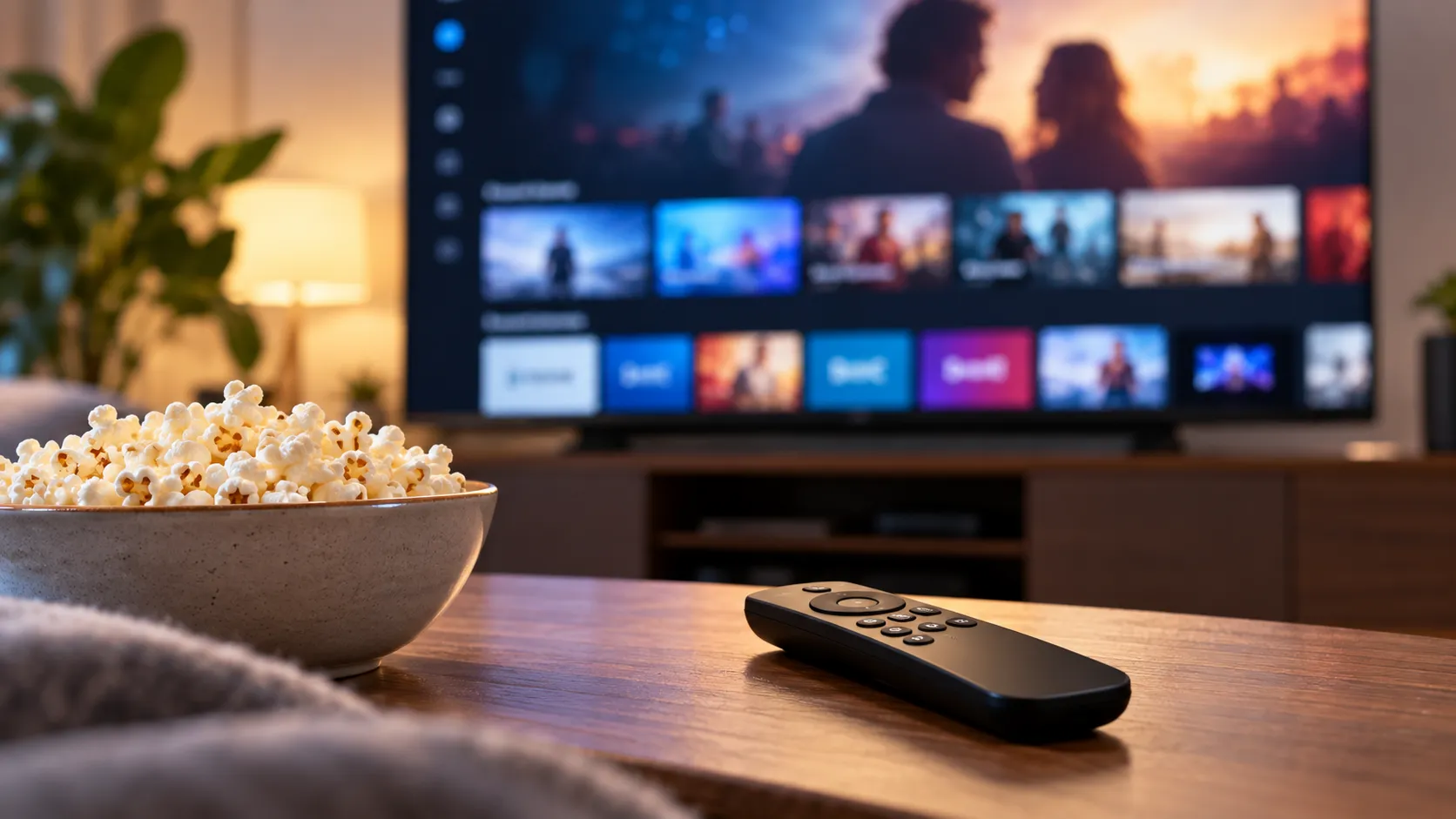
The most visible change is structural. Navigation moves to the top of the screen, and the app row drops to just below the first row of content recommendations, rather than occupying prime real estate at launch. Content is organized into dedicated sections, Movies, TV Shows, Sports, Live TV, and News, so the interface surfaces recommendations before asking you to pick an app. Amazon is joining a broader shift already visible on Google TV, Roku, Samsung Tizen, and LG webOS, all of which have been moving in the same direction, turning their home screens into recommendation engines rather than simple app launchers.
App access improves meaningfully for most users. The pinning limit triples from six slots to 20, and the visible app row now displays ten apps at once rather than six, using smaller icons. Fire TV Sticks also gain a sleep timer for the first time, a function that Fire TV smart TVs have had for years, with options ranging from 5 minutes to 2 hours.
The Fire TV UI update is part of a wider platform push rather than a home-screen adjustment in isolation. Amazon says the redesigned Fire TV mobile app is now available for free worldwide.
Speed gains, Alexa+, and the real tradeoffs
The performance story is where Amazon made the most substantive technical investment. The company rebuilt the underlying code stack and claims up to 20 to 30 percent speed gains in common interactions, per Amazon's own figures.
How-To Geek found the interface noticeably snappier than Roku after hands-on testing last month, describing it as the first time in six years that performance, rather than aesthetics, drove a major Fire TV update. That Roku comparison reflects subjective observation rather than standardized benchmarks, so treat it as directional.
The more important caveat is memory. The new interface consumes roughly 195 MB of RAM after a fresh reboot, compared to 153 MB for the old one, a 27 percent increase, AFTVnews measured. On a 4K Max or Cube, that's unlikely to register. On lower-spec sticks now receiving the update in this broader wave, the net speed benefit may be less straightforward than Amazon's headline numbers suggest.
The Alexa+ argument rests on engagement data Amazon itself provided: customers interact with Alexa+ roughly 2.5 times more often than with the previous Alexa version. The practical payoff is a more flexible search model. Users can ask for "gritty sci-fi" or "sci-fi movies with alien invasions" and receive curated results rather than keyword matches. That's a genuine improvement if it performs consistently, though the engagement figures come from Amazon, and independent user satisfaction data doesn't yet exist.
The app discoverability tradeoff is where the discovery-first pitch runs into a direct contradiction. Despite a catalog of more than 40,000 apps across 27 categories, the new interface makes only 160 of them browsable in the app section, eight rows of twenty, AFTVnews found.
For users who already know what they want and will fill their 20-pin row, this is a non-issue. For users who browse the catalog to find niche streaming services, international content, or sports packages, the redesign actively narrows that pathway. The interface improves content discovery while reducing app discovery, and those are not the same thing.
What the rollout means going forward
For most Fire TV owners, the update lands as a net practical improvement: faster navigation, triple the pinned apps, a cleaner layout, and voice search that can parse something vague. Those are real gains, not incremental polish.
Every major TV operating system has converged on the same model, owning the recommendation layer rather than just the app launcher, and Amazon's 300-million-device installed base gives Alexa+ genuine reach if the discovery model earns consistent use. Whether users treat it as a useful tool or route around it toward their pinned apps is something the rollout data will eventually reveal; current coverage can't answer it yet.
The users worth watching most closely are at the edges: owners of lower-spec sticks receiving the update in this broader wave, who may see smaller speed benefits against a larger memory cost; partner-brand TV owners, whose Alexa+ feature parity remains unconfirmed; and anyone who relied on browsing Fire TV's full app catalog rather than searching by name. For everyone else, the update will arrive quietly and ask nothing of them.







Comments
Be the first, drop a comment!