



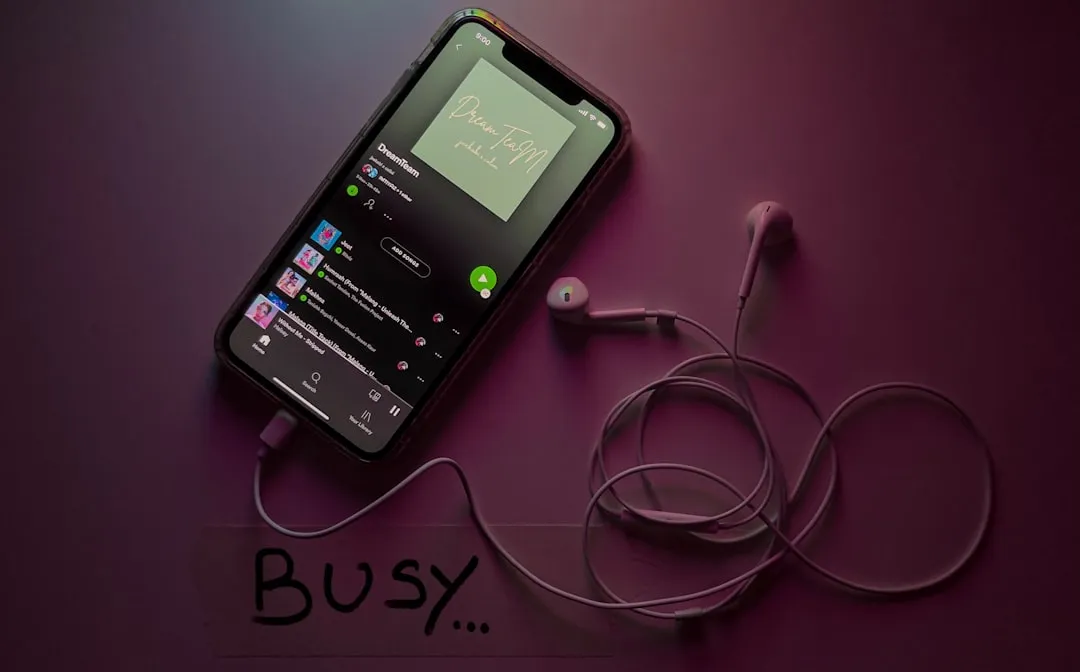
Spotify this week launched Track Reactions, a feature that lets collaborators respond to individual songs in shared playlists using emoji visible to every playlist member. Announced on the Spotify Community blog, the feature closes a loop that has been open since collaborative playlists existed: until now, adding a song generated no quick in-playlist reaction.
The reaction attaches to the specific track you added, not to the playlist as a whole. That's a meaningful distinction. A general thumbs-up on a playlist says something vague about the collection; a 😂 sitting next to your song choice says something pointed about that choice. Whether that level of specificity feels energizing or exposing probably depends on who's in your playlist.
How Spotify Track Reactions work in collaborative playlists
The mechanic is simple. Any collaborator taps a reaction button next to a track, picks from six options ❤️, 😂, 👍, 🎧, 🔥, and 🥺, and the emoji appears inline beside the song immediately. Every member of the playlist can see every reaction from every contributor.
Notifications work on a conditional basis. When someone already connected to you on Spotify reacts to a track you added, the app sends a notification through its Messages system, Android Authority confirmed. Collaborators outside your Spotify network can still react, and their emoji will show up in the playlist, but it won't generate a ping. The social signal exists either way; the notification is what's connection-gated.
Reactions are on by default for collaborative playlists with 10 editors or fewer. Owners can manually enable them on larger playlists or turn them off entirely through the playlist's Name and Details settings. The feature is available to both free and premium users aged 16 and older, rolling out in select markets over the coming weeks, with Spotify not specifying which regions come first.
Spotify shared playlist reactions: what the constraints tell you
Track Reactions is scoped tightly, and the limits are as informative as the feature itself.
Reactions stay within the playlist. Only the owner and active collaborators can see or add them. Nothing surfaces in public profiles, non-member followers, or anywhere else in the app. The interaction is structurally private to the group.
The 10-editor default is worth examining. Small groups share accountability in ways that larger ones don't. Six people building a road trip playlist together know each other, have shared context, and carry some social investment in the outcome. Scale that same mechanic to a playlist with dozens of editors and the dynamic shifts; emoji responses start to look less like peer feedback and more like public voting from strangers. Spotify appears to be optimizing for the former context, not the latter, though the platform hasn't said as much directly.
Owners retain full control throughout. Reactions can be enabled on bigger playlists or switched off at any point through playlist settings. The kill switch is available from the start.
Notifications route through Spotify Messages, which carries its own safety infrastructure: blocking, user reporting, the ability to reject message requests from non-connections, and a full opt-out from Messages entirely, Wired Parents reported earlier this year. Spotify's Private Session mode, which hides all listening activity for six hours, also remains available for users who want to disengage from social visibility entirely. Track Reactions sits alongside these Messages controls and its own playlist-level visibility limits.
The 16-and-older age requirement aligns with the existing Messages eligibility floor. That consistency matters given the broader tension in Spotify's social expansion: the main app allows users aged 13 and up, but Messages and now Track Reactions apply a higher threshold. Whether that line holds in practice is a separate question. As Wired Parents noted earlier this year, the restriction works only if users enter their real age.
One feature in a longer sequence
Track Reactions didn't arrive in isolation. It's the latest in a series of social additions Spotify has layered onto its core listening product over the past several months, each one adding interactivity without dismantling what came before.
In January, Spotify updated Messages with two new capabilities: "Listening activity," which shows friends what you're currently streaming in real time, and "Request to Jam," which lets users invite friends into live listening sessions where song suggestions draw from the whole group's combined taste profile. Both features completed their rollout to Messages-enabled markets on iOS and Android by early February.
The usage numbers from that expansion are notable. Since Messages launched in August 2025, nearly 40 million users have sent 340 million messages on Spotify, and daily active Jam participants have more than doubled year over year. That's not marginal adoption. Those figures give Spotify clear, observable evidence that users are engaging with social features before the platform commits to building more of them.
At its Investor Day last month, Spotify described itself as the place "where product and culture meet," framing social engagement as central to the platform's long-term identity rather than an optional add-on, the company's newsroom noted. Track Reactions fits that framing directly: it ties social feedback to the listening act itself, rather than routing it through a separate surface.
The progression is readable. Real-time listening visibility in January, live collaborative sessions, and now per-track emoji reactions in shared playlists. Each step adds a social mechanism without replacing the listening product underneath it. That's a different approach from building a standalone social feed, and it may be why the engagement numbers look the way they do.
Who will actually notice
Track Reactions is built for a specific user: someone actively co-building a playlist with people they're connected to on Spotify. A group trip queue, a shared workout playlist, a project where multiple people are genuinely contributing songs in real time. For that use case, the feature adds a visible feedback layer to every contribution, and the notification system means the person who added a track finds out when their choice lands.
If your collaborative playlists are dormant or populated by people outside your Spotify network, the feature will mostly pass unnoticed. The reaction buttons will be there, but without active co-editors and existing connections, neither the social visibility nor the notifications fire in any meaningful way.
No subscription upgrade required, no new infrastructure to navigate. Available to free and premium users 16 and older, on by default in playlists with fewer than 10 editors, toggle-able by the owner at any time.
The more substantive question, for anyone watching Spotify's social strategy, is where the model goes next. The infrastructure is already in place: Messages, Jam, listening activity, and now track-level reactions. Whether Spotify extends the reactions model beyond collaborative playlists, adjusts thresholds as it learns how the feature gets used, or builds more tightly on the Messages ecosystem it's been developing since last year isn't clear yet.
With nearly 40 million Messages users and Jam engagement doubling in under a year, the platform has enough data from its social experiments to make those decisions with something more than intuition.








Comments
Be the first, drop a comment!