



4K Blu-ray vs 4K streaming picture quality: why disc wins
Put a 4K stream and an Ultra HD Blu-ray of the same movie on the same television, and both will paint the screen with an identical 3,840 x 2,160 grid of pixels. Yet anyone who has watched both back to back knows they rarely look the same, a gap Engadget laid out today in its breakdown of 4K Blu-ray vs 4K streaming picture quality. The resolution numbers match. The amount of picture data sitting behind them does not, and that mismatch explains almost everything else in this comparison.
Most mainstream streaming services deliver somewhere between 15 and 25 Mbps of video data, according to XDA Developers, which reported the figures two weeks ago. Ultra HD Blu-ray discs, by contrast, support video rates up to 108 Mbps on 66GB discs and 128 Mbps on 100GB discs, according to the Blu-ray Disc Association specs cited by Engadget, with sustained rates on typical discs running 70 to 100 Mbps per XDA Developers. Even the higher-end streaming tiers, Apple TV's 40 Mbps or Sony Pictures Core's up to 80 Mbps, still trail typical disc rates, according to What Hi-Fi? reporting last year.
This piece walks through why "4K" doesn't guarantee equal picture quality, where that data gap comes from, why streaming makes the trade-off on purpose, and the real exceptions worth knowing before assuming a disc will always win.
Does 4K streaming have the same resolution as Ultra HD Blu-ray?
Both formats can output identical 3,840 x 2,160 resolution. The real difference isn't pixel count; it's how much data describes those pixels, as Engadget explains.
Two terms carry most of the weight here. Bitrate measures how much data a video uses per second, expressed in megabits per second (Mbps), though it isn't a universal quality score by itself. A codec is the compression technology, HEVC/H.265 being the common one, used to shrink video for storage or transmission and then decode it again for playback (Engadget). Both formats can use HEVC, though streaming services also lean on newer codecs such as AV1, and HEVC itself was designed to compress video more efficiently whether it's headed to a streaming server or a disc mastering plant.
Think of resolution as the size of a canvas and bitrate as how much paint is available to fill it. Two paintings can share identical dimensions and still look worlds apart depending on how much paint, and how much care, went into covering that canvas. "4K" turns out to be a label on the canvas size, not a promise about the paint.
4K Blu-ray vs 4K streaming picture quality: bitrate and compression
Mainstream streamers such as Netflix and Prime Video typically run 15 to 25 Mbps, while Ultra HD Blu-ray discs routinely deliver 70 to 100 Mbps sustained, with bursts touching the format's 128 Mbps ceiling on 100GB discs (XDA Developers; Blu-ray Disc Association data cited by Engadget). That's a difference measured in multiples, not percentage points.
Discs apply HEVC-family compression far more gently than streaming does. Less aggressive compression preserves richer 10-bit color with minimal banding, according to What Hi-Fi?, where banding is the visible stepping that appears when a smooth color gradient breaks into hard bands instead of shading gradually (Engadget).
None of this makes bitrate an automatic winner. A higher bitrate doesn't guarantee a better image, and a poorly encoded disc can still look worse than an excellent stream, Engadget cautions. When source quality and encoding are otherwise comparable, though, more available data simply means less visual information has to be thrown away to fit the file. The extra bandwidth matters because it gives the encoder more room to work with in the scenes that are hardest to compress.
How adaptive streaming affects 4K picture quality
Streaming platforms aren't cutting corners by accident; they're managing a moving target. Services use adaptive systems like Apple's HTTP Live Streaming (HLS), which keep several bitrate versions of the same title on hand and switch between them as a viewer's connection changes (Engadget).
The 4K Blu-ray bitrate vs Netflix comparison illustrates this well, though the exact numbers shift depending on which source is doing the counting. Engadget puts Netflix's minimum recommendation at 15 Mbps, while What Hi-Fi? reports Netflix recommending 25 Mbps per device for 4K playback. Either figure describes the internet speed needed to attempt 4K streaming, not the actual video bitrate arriving on screen, and picture quality can drop automatically on a slow or unstable connection without any warning to the viewer (Engadget; What Hi-Fi?).
The broader reason streaming settles for a lower ceiling than disc is straightforward: services have to prioritize smooth playback over maximum picture detail, since data that doesn't arrive in time means buffering rather than just softer video, per What Hi-Fi?.
That tradeoff is easiest to see when an image is difficult to compress.
Where the compression gap actually shows up on screen
Compression artifacts are most likely to appear in scenes that are difficult to encode. Dark skies and dim hallways are prone to color banding, while fast action, explosions, and heavy film grain are where macroblocking, visible blocky pixelation, tends to show up, according to both XDA Developers and Engadget.
Content complexity matters as much as the headline bitrate figure. Netflix's own research found that grainy footage could show visible blockiness even at bitrates more than sufficient for simple animation, Engadget reports. The same Mbps number can look pristine on one title and rough on another, depending entirely on what's happening in the frame.
HDR is often one of the clearest areas of advantage for disc. Greater bit depth and lighter compression give Ultra HD Blu-ray brighter highlights, deeper blacks, and more visible detail across the extremes of an image, per What Hi-Fi?.
Sound is a separate advantage worth a brief mention. Streaming typically packages Dolby Atmos inside a lossy Dolby Digital Plus container, while discs can carry lossless Dolby TrueHD or DTS-HD Master Audio. Atmos itself isn't inherently lossy, it's simply a matter of which container a format chooses to use (XDA Developers; You Asked, which covered the distinction last year).
Watching for artifacts is more useful than staring at a resolution label. Three places to check:
- Night skies, dim hallways, and moody lighting, where banding shows up as stair-stepped color instead of smooth gradients
- Explosions, fast camera pans, and grain-heavy footage, where macroblocking flattens fine detail into blocks
- Bright highlights against dark backgrounds, where HDR either holds its punch or gets compressed toward gray
When streaming closes the gap and discs disappoint
Higher-bitrate streaming tiers show the gap isn't fixed. Sony Pictures Core's Pure Stream mode runs between 43 and 80 Mbps and requires a 115 Mbps connection to hit its top tier. That substantially narrows the bitrate gap, though the claim that it's comparable to Ultra HD Blu-ray is Sony's own framing, not an independent measurement (Engadget).
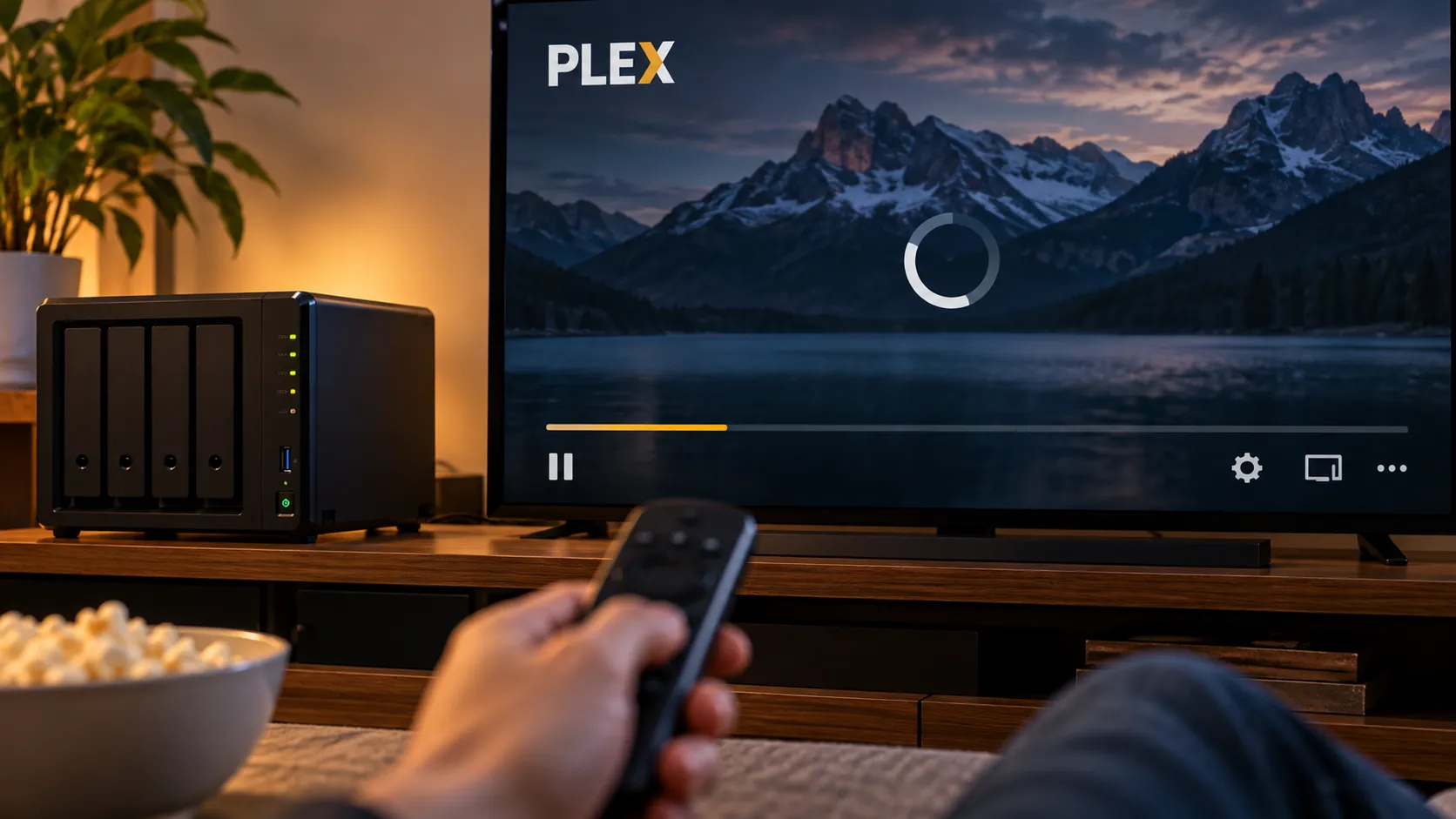
Local setups can close it further. Media servers like Plex can use Direct Play, or Direct Stream, to send a video file to a device without recompressing it, which means streaming from a home server doesn't automatically mean lower quality than playing the same file from a disc (Engadget).
Real-world results also depend on more than delivery method. One viewer told You Asked that cable and streaming versions of movies like The Fugitive and The Flash looked noticeably better on a Sony A95L OLED than the same titles played on Ultra HD Blu-ray through a Panasonic 4K player. The channel didn't pin down a single cause, though it noted that disc still carries a higher bitrate and bit depth than any streaming service involved in the comparison, and that how a screen is calibrated can significantly change what a viewer actually sees on it.
Disc is the safer bet, but mastering and playback setup can still determine the result in any individual living room.
4K disc vs streaming video quality: a quick decision guide
None of this requires an all-or-nothing choice. The practical question is when the difference is worth chasing.
Ultra HD Blu-ray makes the most sense for large OLED or projection setups, for anyone who cares about lossless audio, and for films that lean on dark cinematography, heavy grain, or fast action, the exact scenarios where compression struggles most (XDA Developers; What Hi-Fi?).
Streaming is likely sufficient for casual viewing, smaller screens, and convenience-first households, especially for titles that don't lean on demanding, high-contrast imagery.
Sony Pictures Core and local lossless streaming through something like Plex are the meaningful exceptions, not evidence that all streaming has caught up. They show what's possible when a service is willing to spend the bandwidth. They don't describe what most subscriptions deliver by default.
Conclusion
Resolution tells a viewer the size of the pixel grid, nothing more. Streaming's lower ceiling is a structural choice built to keep playback smooth across variable home connections, while options like Sony Pictures Core show how much of that gap can close when a service is willing to spend the bandwidth.
Codecs keep improving. What Hi-Fi? reported last year that AV1 already accounted for roughly 30% of Netflix's streaming traffic, and that kind of efficiency gain will likely keep narrowing the distance between disc and stream over time. For now, disc remains the more consistent high-bandwidth option, and streaming remains the more convenient one.












Comments
Be the first, drop a comment!