



How to stream local TV channels for free: antenna setup guide
A quick reality check before you start: This guide works best for households in urban and suburban areas within range of broadcast transmitters. Rural readers, apartment dwellers with no exterior placement options, and anyone whose primary goal is free live sports coverage will hit real limits, spelled out at each relevant step. Go in with accurate expectations.
Prerequisites: Every TV sold after March 2007 includes a built-in digital tuner by FCC mandate, per Engadget. No extra hardware needed to receive antenna signals. For the streaming app section, you'll need a smart TV or a streaming device such as Roku, Fire TV, or Apple TV. No cable subscription required for anything in this guide.
Why free local TV usually means broadcast, not an app
If you want to watch local TV channels for free, start with an antenna. Over-the-air broadcast delivers live local programming in HD with no monthly fee, no login, and no internet connection required. Close to 23 million U.S. households already use one for exactly this purpose, according to Nielsen data cited by Consumer Reports.
Near a major metro area, you'll probably get ABC, CBS, NBC, Fox, PBS, and Telemundo. That "probably" carries weight reception depends on your distance from transmitters, local topography, and what sits between you and the signal. Two hours outside a major market, results will differ.
Free streaming apps exist and they're worth using, but what they actually offer is local news clips, selected newscasts, and supplementary programming. Live local feeds on official network apps largely require a cable login. The apps that are genuinely free fill gaps; they don't replace the antenna.
This guide walks you through building the setup that actually works: broadcast reception as the foundation, free streaming apps layered on top. By the end, you'll be able to pull in whatever local channels are receivable at your address with no recurring fees, then add the right no-subscription apps to cover what the antenna doesn't reach.
One thing worth knowing upfront: a Magid survey conducted earlier this year among OTA antenna users found that nearly two-thirds also subscribe to streaming services, meaning the antenna-plus-apps combination described here isn't an unusual workaround it's already how most antenna households operate (Morningstar/Business Wire).
How to watch local channels without cable: start with reception
Step 1: Find out which channels are actually receivable at your address
Do this before spending anything. Reception depends on your distance from broadcast transmitters, local topography, and what's between you and the signal not just which antenna you buy.
- Go to Antenna Direct's transmitter locator and enter your address or ZIP code. It returns the channels available in your area along with signal strength ratings, network callsigns, RF channel numbers, and band information (Engadget).
- Note the signal strength for each channel. Strong ratings suggest a basic indoor antenna will do the job; weak or marginal ratings mean you'll need more careful placement or an indoor/outdoor model, covered in Step 2.
- Near a major TV market, you'll likely find ABC, CBS, Fox, NBC, PBS, and Telemundo. Receive a primary network signal and the digital subchannels underneath it come along free, per Consumer Reports.
Two minutes with this tool will tell you more about your specific situation than any antenna spec sheet. If the link above returns a 404, go directly to antennadirect.com and look for the signal finder under their resources section the underlying tool is still available via Engadget.
Step 2: Buy, place, and set up your antenna
This is the foundation of the whole setup.
Choosing an antenna:
- Indoor antennas range from about $15 to $100. Consumer Reports tested models across that range and found little correlation between cost and performance a $20 antenna can outperform a $70 one. Don't assume the most expensive model is the safest choice.
- If your transmitter locator results show strong signals across the board, a basic indoor antenna in the $15–$30 range is a reasonable starting point. Weak or marginal signals call for an indoor/outdoor model and careful placement.
- Watch out for amplified antennas: Models with built-in amplifiers can help pull in fringe stations, but Consumer Reports found they sometimes amplify noise and overpower nearby stations. Some amplified models actually performed better with the amplifier turned off. Don't pay extra for amplification unless your transmitter results show genuinely weak signals.
Placing the antenna:
- Connect the antenna's coaxial cable to the antenna input on the back of your TV, then navigate to Settings > Channel Setup (or equivalent) and run a full channel scan.
- Outdoor placement makes a substantial difference. Consumer Reports tested every antenna both indoors and outdoors and found results were overwhelmingly better outside including for models designed for indoor use. Moving an antenna outside picked up an additional 20 channels in their testing. A window, attic, or exterior wall beats a desk across the room.
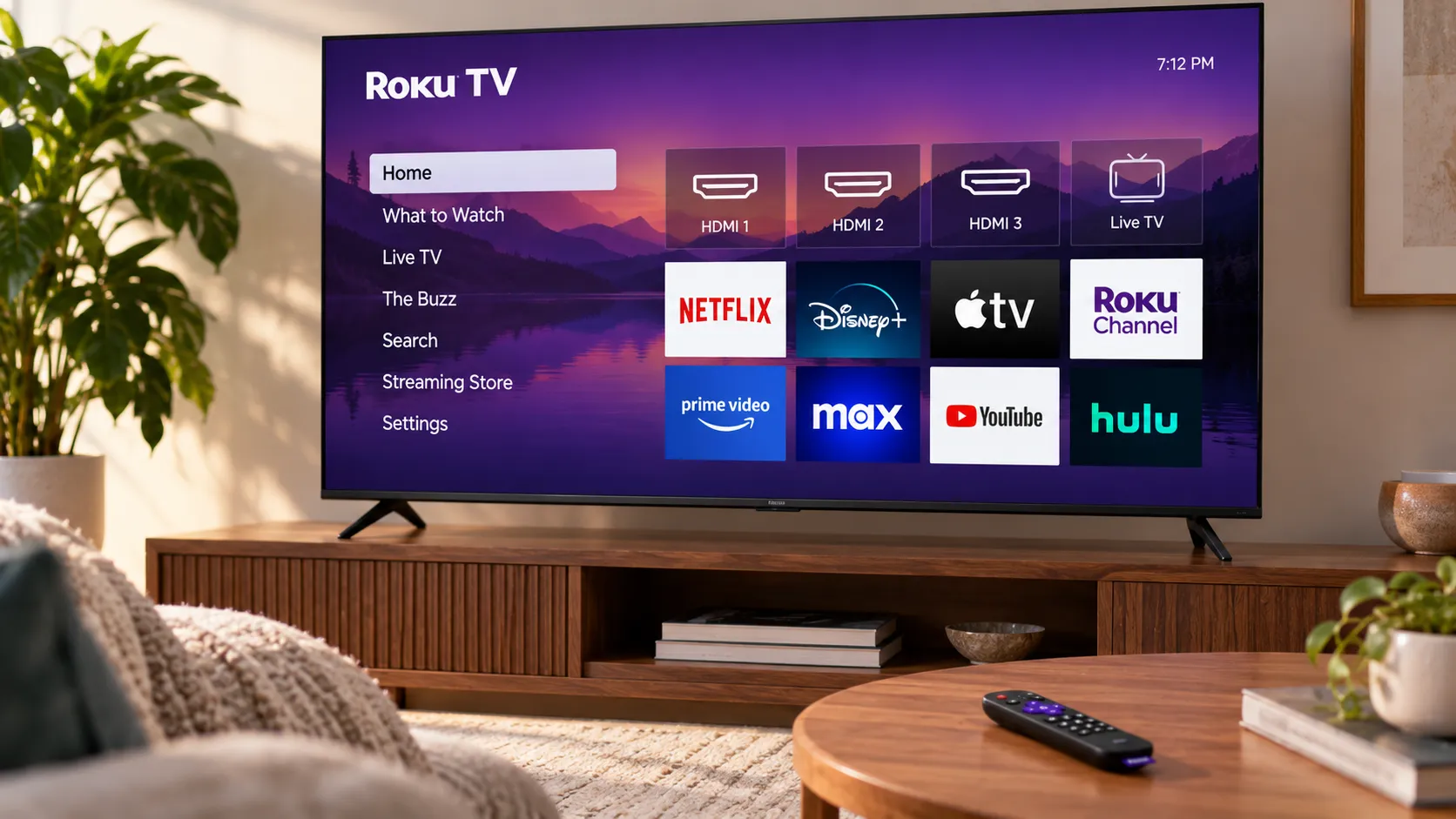
- Roku TVs include a built-in on-screen setup guide for OTA antenna configuration, walking you through the scan without manually navigating settings menus (Engadget).
If you got fewer channels than expected:
Reposition the antenna toward an exterior wall or window facing the direction of your strongest signals your transmitter locator results will show which way that is. If reception is still poor, try an attic mount or an exterior installation. Re-run the channel scan after each move; the TV won't update automatically.
If you've exhausted placement options and still can't pull in your target channels, return the antenna. Consumer Reports explicitly recommends buying from a retailer with a no-hassle return policy, because performance varies too much by location to guarantee any single model will work at a specific address. Also rescan periodically broadcasters occasionally shift frequencies, and a channel that wasn't there last month may show up now.
Picture quality may actually be better than what cable delivers. "The signals may be less compressed," said Claudio Ciacci, former lead television tester at Consumer Reports, who conducted their most recent antenna evaluations.
Step 3: Add free streaming apps based on what you actually need
The antenna handles live major network broadcasts. These apps fill the specific gaps it leaves primarily local news coverage, on-demand clips, and programming from affiliates your antenna doesn't reach. Pick based on your actual use case, not the longest channel count.
One practical warning before you commit: app coverage varies by market, and smaller markets may not be included at all. Check each app's market list before making it your primary news source.
If live local newscasts are your priority:
NewsOn is purpose-built for this. The company says it aggregates around 295 local stations across 150 markets, covering ABC, NBC, CBS, and Fox affiliates, and claims roughly 91% coverage of American communities (company-reported figures, via Engadget). Treat those numbers as directional rather than independently verified, but the breadth of affiliate coverage is what matters here. No subscription required.
If you want a broad free streaming library with local news included:
Tubi (owned by Fox) is free, ad-supported, and widely available. It carries local news broadcasts from 107 markets, ranging from Houston and Los Angeles to smaller markets like Corpus Christi, Texas (Engadget). If you're already using Tubi for movies and general programming, its local news section adds real value without requiring a separate app.
Pluto TV is a comparable option, also free with no subscription. Local news lives in the live TV menu under a dedicated section, and the app runs on most smart TVs and streaming devices including Apple TV, Chromecast, Fire TV, PlayStation, Roku, Xbox, and mobile (Engadget).
If you're on a Roku device and want everything in one guide:
The Roku Channel carries more than 500 free live channels. Roku encourages users to link its programming with OTA antenna broadcasts so both show up together in a single guide, though how seamlessly that works depends on your specific device setup (Engadget). For Roku households, it's worth using as the primary interface.
What official network apps can and can't do:
Fox Local is the clearest exception it offers free live local coverage without requiring cable credentials. CBS makes some episodes available free on demand. Most other official network apps lock their live local feeds behind cable authentication, which means they don't serve cord-cutters for live programming (Engadget). For live local network television, the antenna remains the more reliable and genuinely free path.
These apps work best as a news and supplementary programming layer. Useful, not a wholesale replacement for antenna access.
Before you buy a new TV or antenna: a note on NextGen TV (ATSC 3.0)
If your current setup is working, this is background reading. If you're about to buy new hardware, spend a few minutes here.
A newer broadcast standard called NextGen TV (ATSC 3.0) adds internet protocols to over-the-air signals. The practical benefits it promises include better reception, 4K HDR picture quality, enhanced audio, multicast streams, and pause/restart functionality features that could start to close the gap with what streaming services currently offer. Most large networks have adopted the technology, though market-level rollout has been uneven (Engadget).
The catch: older TVs can't receive ATSC 3.0 signals without an adapter, which can cost up to $200. If you're buying a new television, check ATSC 3.0 compatibility before purchasing. The FCC is also considering regulations that may push the transition faster than it would otherwise move (Engadget).
Antenna viewers are paying attention to this. The Magid survey commissioned by broadcaster trade group Pearl TV worth reading with that conflict of interest in mind found 81% of OTA viewers said they'd buy a NextGen converter box to preserve their free local TV access, with reliable reception and no monthly fees cited as the top reasons (Morningstar/Business Wire).
If your current setup works, don't stall on this. Buying new hardware anyway? Add ATSC 3.0 compatibility to the checklist.
What this setup gets you and where it still falls short
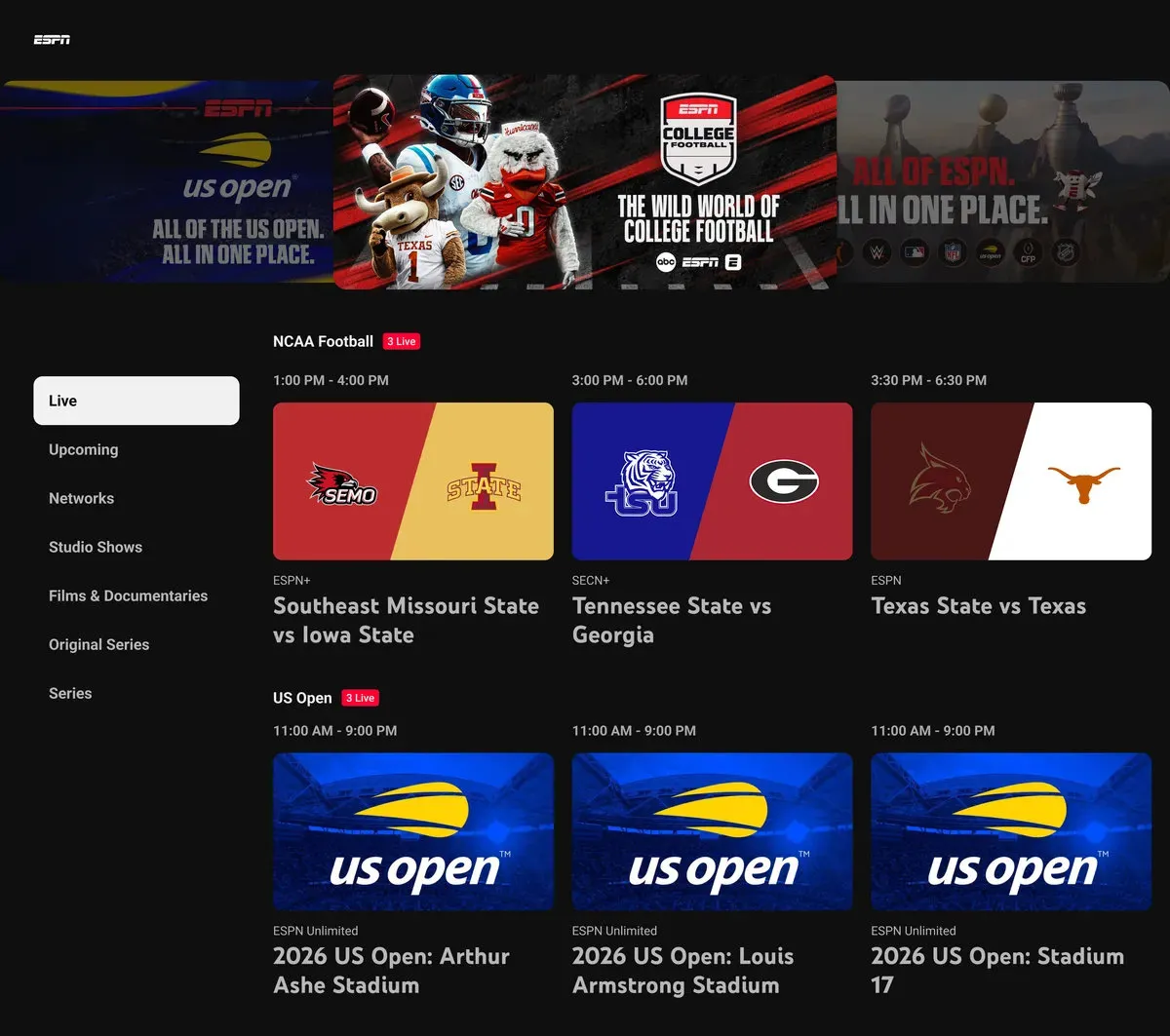
Urban and suburban households near broadcast transmitters can typically pull in major network affiliates plus digital subchannels at no recurring cost. Locally aired sports on broadcast networks games that run on Fox, CBS, NBC, or PBS in your market will come through on the antenna. Cable-exclusive sports, meaning ESPN and regional sports networks, stays behind a paywall. Nothing in this guide changes that.
Rural households and apartments with no practical antenna placement may see weaker results than the steps above suggest. That's a geography problem, not a setup problem.
Buy the antenna from a retailer with a no-hassle return policy. Performance varies too much by location to guarantee any model will work at your specific address Consumer Reports makes this recommendation explicitly. If it underperforms, return it and try a different placement or model before giving up.
If you want to record OTA broadcasts, look into standalone DVR hardware with antenna input TiVo Edge and Channel Master DVR+ are the most common options. For households where live cable-exclusive sports is the remaining gap, that's a separate problem free tools can't currently close.







Comments
Be the first, drop a comment!