



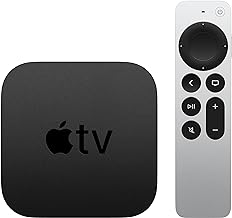


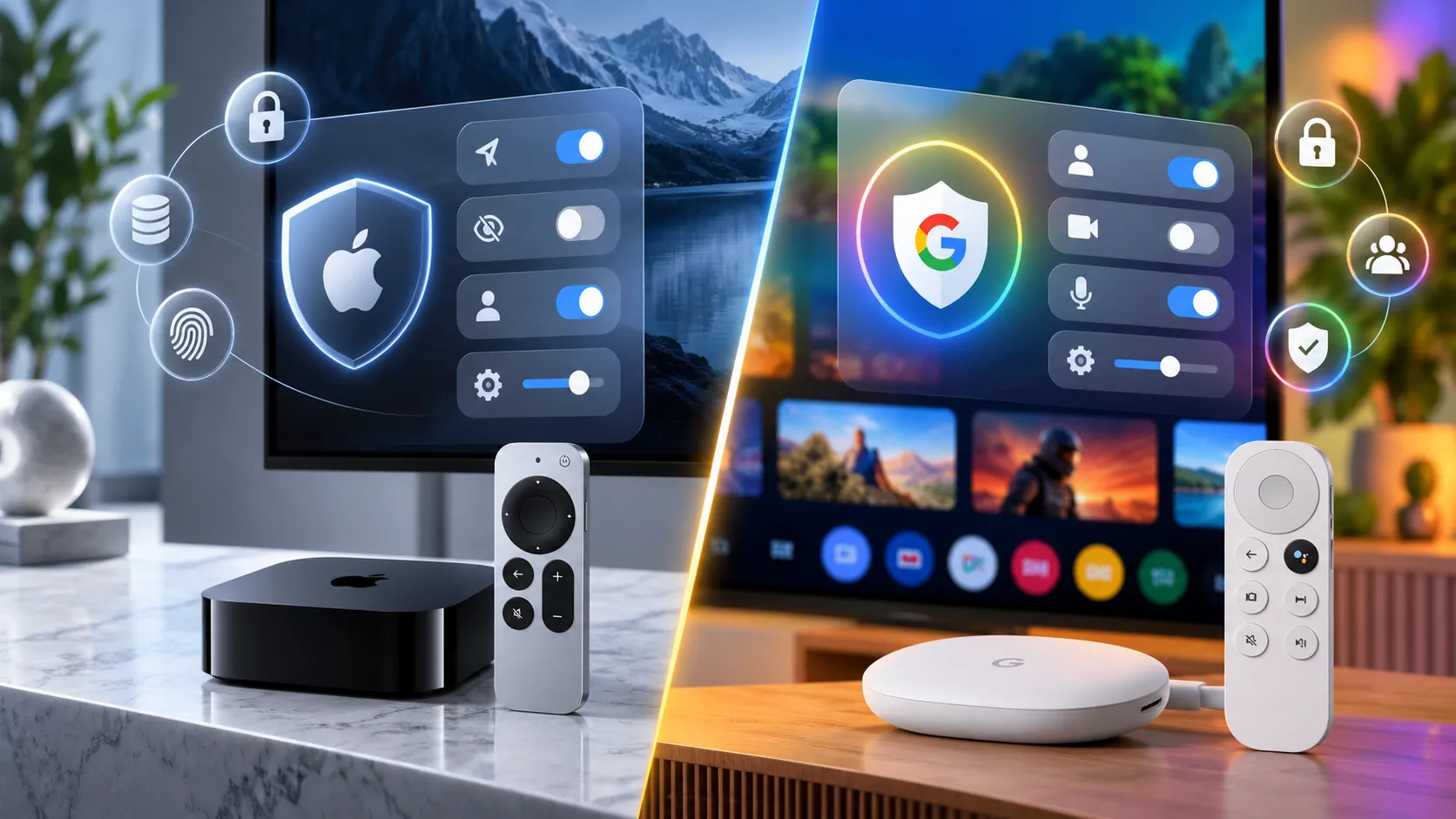
One Android Authority reviewer switched from an Apple TV 4K to Google's $100 TV Streamer and got a full-screen Taco Bell ad, complete with a QR code, planted on the home screen. Scroll further and a Target-sponsored March Madness section sat in the "For You" feed, next to promos for shows on Prime Video, Peacock, and Disney Plus. That screenshot keeps resurfacing whenever the Apple TV 4K vs Google TV privacy debate flares up online, and it's worth figuring out what it actually proves.
Ars Technica's reporting, built on conversations with privacy experts, concluded that Apple TV offers "significantly more privacy" than rival streaming hardware. Heise reached a similar conclusion while flagging Apple TV's price and its own data collection as real trade-offs worth weighing before buying.
Neither report is a verified privacy audit of either platform. This breakdown sorts what's actually confirmed about Apple TV 4K privacy features by source type, documented settings, platform rules, and a company statement, against what's visibly true about Google TV's ad-heavy interface, so readers can check it against their own setup instead of taking anyone's word for a winner. It focuses on the third-generation Apple TV 4K against the Google TV Streamer. Apple announced a fourth-generation Apple TV 4K on October 13, 2026, with new Siri AI features and built-in far-field microphones that warrant a separate privacy assessment.
Apple TV 4K's privacy controls, broken into layers
During initial setup, Apple TV lets owners turn off Siri, location tracking, and analytics sharing. Sending voice-input data to Apple is off by default too. These are documented Apple TV 4K privacy features.
A separate layer applies once apps are running. Under tvOS 14.5 and later, third-party apps have to ask permission before tracking users across other apps, a rule called App Tracking Transparency, or ATT. Choose "Ask App Not to Track," and the developer loses access to the device's advertising identifier. Apple also states the app can't fall back on another identifier, like an email address, to keep tracking anyway. App Store privacy labels back this up by disclosing what each app collects before anyone installs it.
One claim stands apart from the rest. An Apple spokesperson told Ars Technica that Apple TV boxes don't ship with automatic content recognition, or ACR, preloaded. That's a company statement, not an independent teardown. Ars Technica's reporting notes that adding ACR now would strip away one of the Apple TV's bigger selling points and invite immediate backlash, which gives Apple some reason to keep that promise, though it doesn't make the promise independently verified.
Apple's incentives line up with that claim, to a point. A consumer-privacy expert at the Public Interest Research Group told Ars Technica that Apple's revenue doesn't depend on selling targeted ads the way some rivals' does, and Apple TV+ has stayed ad-free, a stance reported to cost Apple roughly $1 billion a year since launch.
That context carries an asterisk: Apple paid $95 million last year to settle a lawsuit alleging Siri recorded private conversations for ad targeting, echoing 2019 reports of contractors hearing intimate recordings gathered through Siri, and separate reporting points to Apple's growing interest in streaming ads. None of that describes how current Apple TV hardware behaves. It's incentive context, not evidence.
What to turn off on Apple TV 4K
If minimal data sharing is the goal, these setup-level options are documented and worth checking rather than assuming they're already set the way you want. Apple's own support pages are the better reference for exact current menu paths, but Ars Technica confirms these as real toggles:
Turn off Siri during setup, or disable it afterward in settings
Turn off location tracking
Turn off analytics sharing with Apple
Leave voice-input sharing off; it's off by default already
Choose "Ask App Not to Track" whenever an app's tracking prompt appears
Clear play history from the Apple TV app if desired; this also removes titles from Continue Watching and Watchlist
Running every item on that list still leaves Netflix, Disney+, or YouTube free to use viewing data inside their own apps. None of these settings reach past Apple's own ecosystem.
Where Apple's claims stop covering you
Some of the privacy credit aimed at Apple TV actually belongs to Apple's own TV app, not the box as a whole. Heise points out that the TV app doesn't carry every streaming service, and many people watch Netflix, Disney+, or YouTube instead. Inside third-party streaming apps, ATT governs certain cross-company tracking, but those services can still collect and use data within their own apps. A household that lives mostly in Netflix or YouTube is leaning on that narrower layer, whether it realizes it or not.
For the strictest possible setup, MacRumors reported that privacy-focused reviewers recommend running Apple TV without an Apple account at all, with Siri and the Apple TV app disabled entirely. That's not how most buyers will actually use the device. Going without an account likely means losing Siri voice search and any personalization tied to a signed-in TV app, since those features typically require being logged in, which is worth confirming against Apple's own support documentation before anyone adopts that configuration.
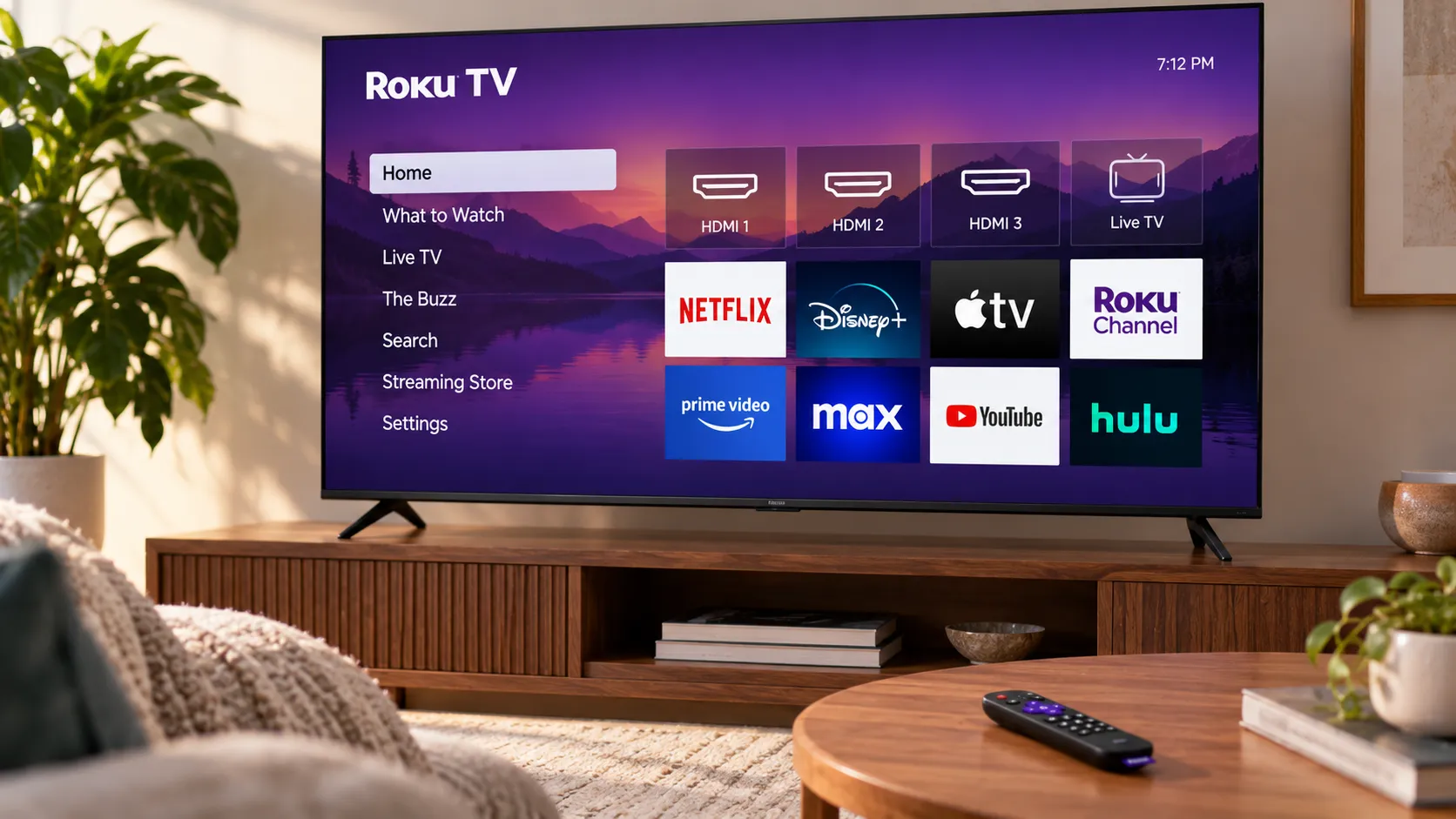
The ad-saturated home screen described above is something readers can verify themselves rather than take on faith. The same reviewer logged specific promos while writing, including ads for "Holland" on Prime Video, "Yellowstone" on Peacock, and "Mufasa: The Lion King" on Disney Plus, on top of the Taco Bell takeover and Target-sponsored section. The reviewer's own complaint cuts to the point: subsidizing a $30 to $50 streaming dongle with ads makes sense, but a $100 device carrying that much onboard advertising is a harder sell.
A commercial, ad-heavy home screen is a monetization choice, and it's directly visible on screen. It doesn't show whether the Google TV Streamer uses automatic content recognition, how its ad-personalization settings work, or how its tracking defaults compare with tvOS's ATT system. Google documents how Google TV collects data and lets users manage advertising IDs, but the sources reviewed here don't establish how its overall tracking practices compare with Apple's.
The reporting supports Apple TV 4K's less ad-heavy interface, but both platforms document privacy controls. Google's include options to delete the device's advertising ID, manage location access, and limit personalized recommendations. Anyone bothered enough by the ads to care should pull up Google's own privacy and ads documentation for the Google TV Streamer and compare it directly against Apple's ATT system. That's the only way to move past a surface impression.
Is the Apple TV 4K worth the price premium?
The Google TV Streamer listed at $100 when Android Authority reviewed it 18 months ago, so check Google's product page before assuming that figure still holds. Apple TV 4K's price varies by storage tier and isn't a figure this research can confirm, so pull up Apple's product page, compare the tier worth buying, and calculate the real dollar gap before deciding whether anything below justifies it.
What the premium reportedly buys, according to that same reviewer's one-household comparison, is software polish rather than raw horsepower. Apple TV was described as "a little smoother," even though the Google TV Streamer "never felt slow or sluggish" in daily use. That's a refinement difference, not a documented processing gap between the two boxes.
Reliability told a different story in that same setup. The reviewer reported a soundbar reconnection issue roughly every other day on the Google TV Streamer, versus once or twice a month on Apple TV, each requiring a manual power cycle to fix. That's one reviewer's single home theater setup, not controlled testing or a pattern across owners, so treat it as something to watch for rather than an expected outcome.
App availability cut both ways. Google TV's Continue Watching feature integrates with YouTube and YouTube TV, something Apple TV's equivalent doesn't support. Apple TV, meanwhile, had Letterboxd and Zillow apps that the same reviewer couldn't find on Google TV at all. Multi-user support and smart-home controls came out close to a wash on both devices, by the same account.
Whether the premium is worth paying comes down to which gap actually bothers the buyer, not a universal score. That reviewer, after weighing both sets of annoyances, said they'd stick with the Apple TV 4K over the Google TV Streamer. That's one household's tally, not a verdict that automatically transfers to a different living room.
What to do before you buy
Apple documents real controls here: setup-level toggles for Siri, location, and analytics; an ATT rule that blocks cross-app tracking; and a company statement that its boxes skip ACR. Google also documents data collection and privacy controls for Google TV, although the available evidence doesn't establish a comprehensive, independently verified privacy comparison between the two devices.
From there, the decision splits cleanly:
Choose Apple TV 4K if the promotional home-screen takeovers are a dealbreaker and the confirmed price gap, checked against current listings, is one worth paying for a better-documented, privacy-focused streaming device.
Choose Google TV Streamer if YouTube TV's Continue Watching integration, Google's ecosystem, or the lower price outweighs the ads for your household.
Check both companies' product pages for current pricing before acting, since the $100 figure cited here is 18 months old. Whichever box ends up under the TV, neither one controls what Netflix, Disney+, or YouTube does with viewing data once you're signed into their own apps.










Comments
Be the first, drop a comment!